
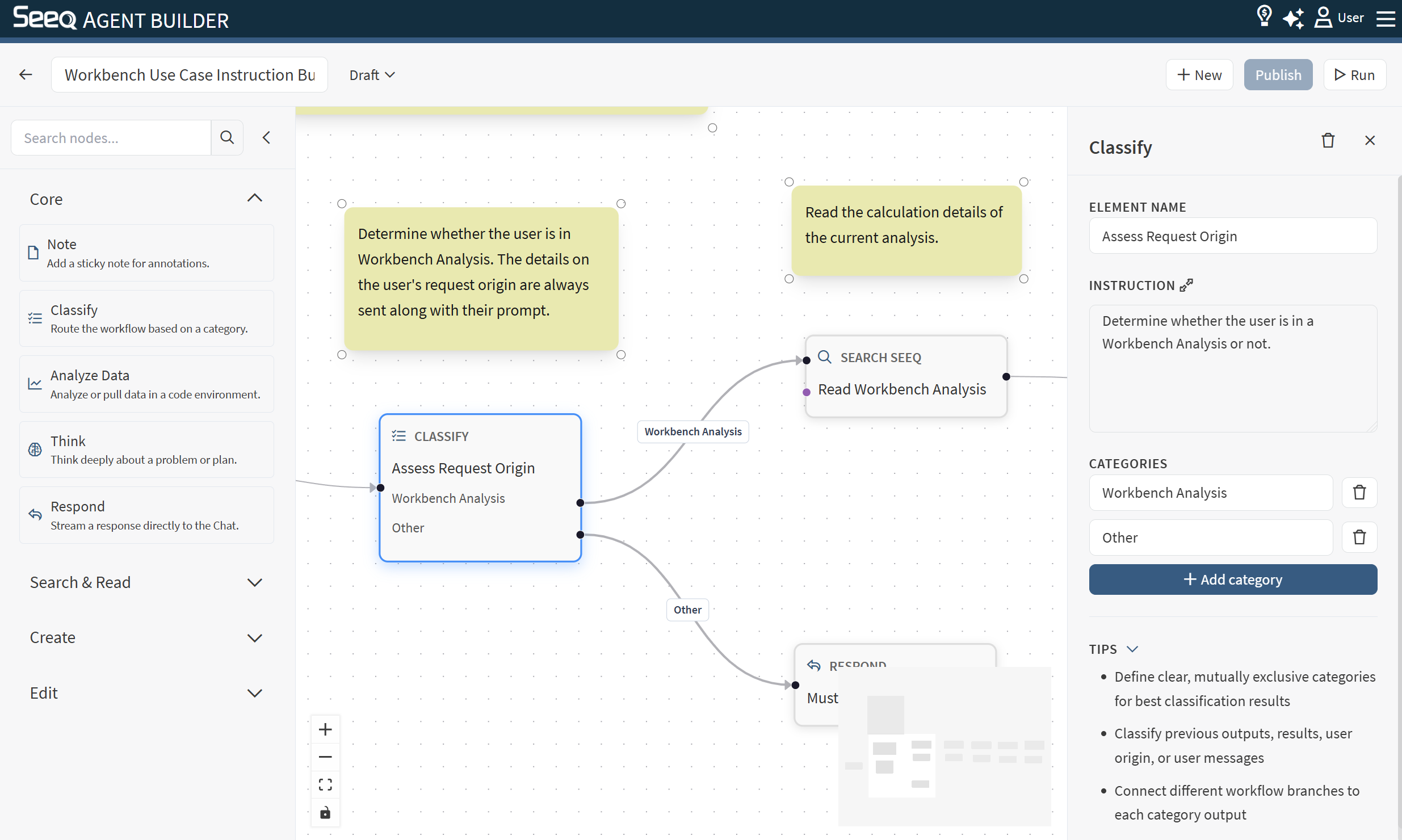
Use the Note node to add annotations to the canvas. Notes are helpful for documenting intent and guiding collaborators.
When to use
-
Label sections of a complex workflow (e.g., “Search phase”, “Analysis phase”, “Reporting phase”).
-
Record assumptions or design decisions directly on the canvas.
-
Add usage instructions for anyone editing the workflow later.
Execution note
Notes are UI-only and are not executed as part of the workflow run.