
Workflows and Agents
A workflow is a graph of connected nodes that make up a custom agent. Each node is one step in the overall behavior of your agent.
Agentic workflows are most successful when you are explicit with individual steps of the workflow and provide well-articulated instructions. See Writing Good Node Instructions for more information.
Runs as you
Agent Builder workflows execute using your Seeq identity and permissions. Treat workflows like powerful assistants:
-
They can only access what you can access.
-
Nodes that create or modify content will do so in your Seeq environment.
Nodes
Nodes are the building blocks of a workflow. Examples:
-
Search nodes find content or items in Seeq.
-
Read nodes retrieve and summarize content.
-
Create/Edit nodes create or update Seeq artifacts (Workbench, Organizer, Journal, etc.).
-
Analyze nodes perform analysis and prepare results.
-
Respond produces the user-facing response.
See Nodes reference for the full list.
Edges (Connections)
Edges connect nodes and define execution flow:
-
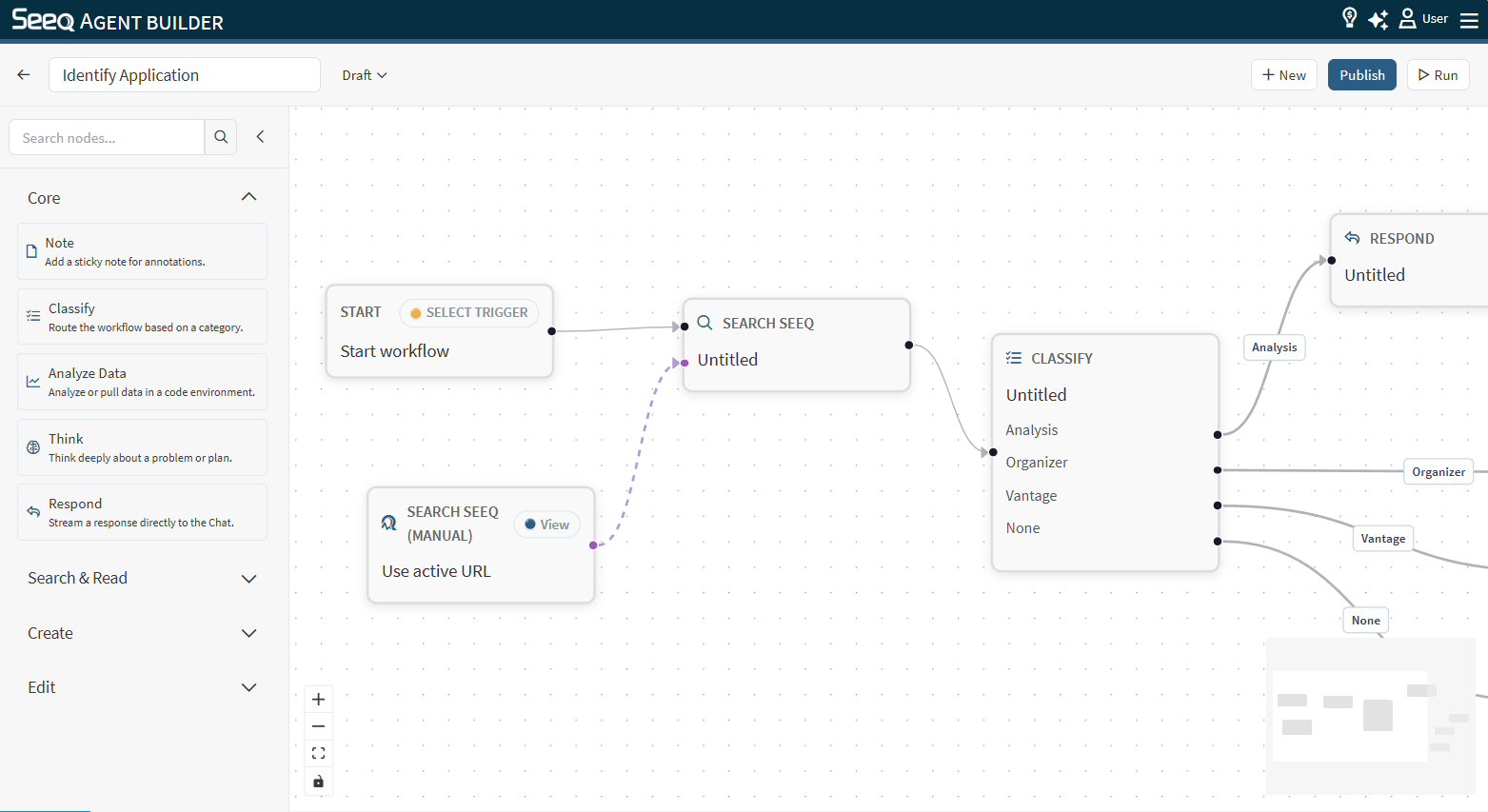
Workflow edges: Standard “do this, then that.” These connect between black dots of nodes.
-
Classify edges: Branch based on a classification result (routing).
-
Context edges: Attach Seeq context (workbook/worksheet or Data Lab project) to a node.
Instructions
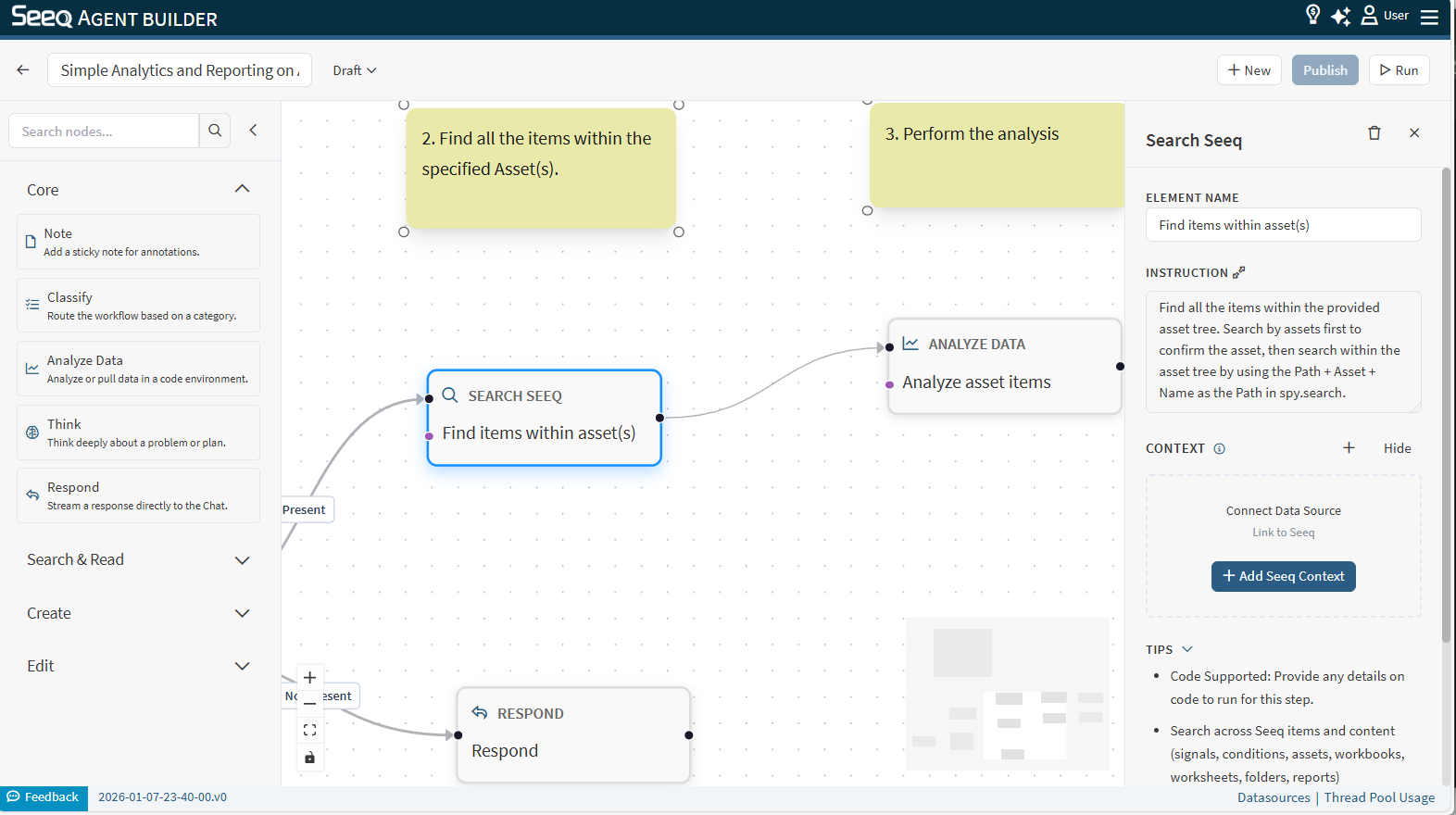
Most runnable nodes have an Instruction field. Think of this as the node’s job description. Good instructions are specific about:
-
Desired output format
-
What to include/exclude
-
What to do when information is missing
Seeq Context
Many nodes can take a Seeq context:
-
Workbook/worksheet context (what content to read/write/analyze). This can be a link to a Workbench Analysis, Organizer Topic, or Vantage Room.
-
A Data Lab project context (for reading project files)
You attach context using the Seeq context node and a dashed context edge.
Workspace (Files and Variables)
Some nodes create intermediate artifacts (files/variables) during execution. These artifacts are designed to help downstream nodes reuse results without repeating work.
Drafts, Versions, and Production
-
Draft: Your latest saved edits that are not yet published as a version.
-
Version: A published snapshot of the workflow.
-
Production: A version you designate as the production version.