
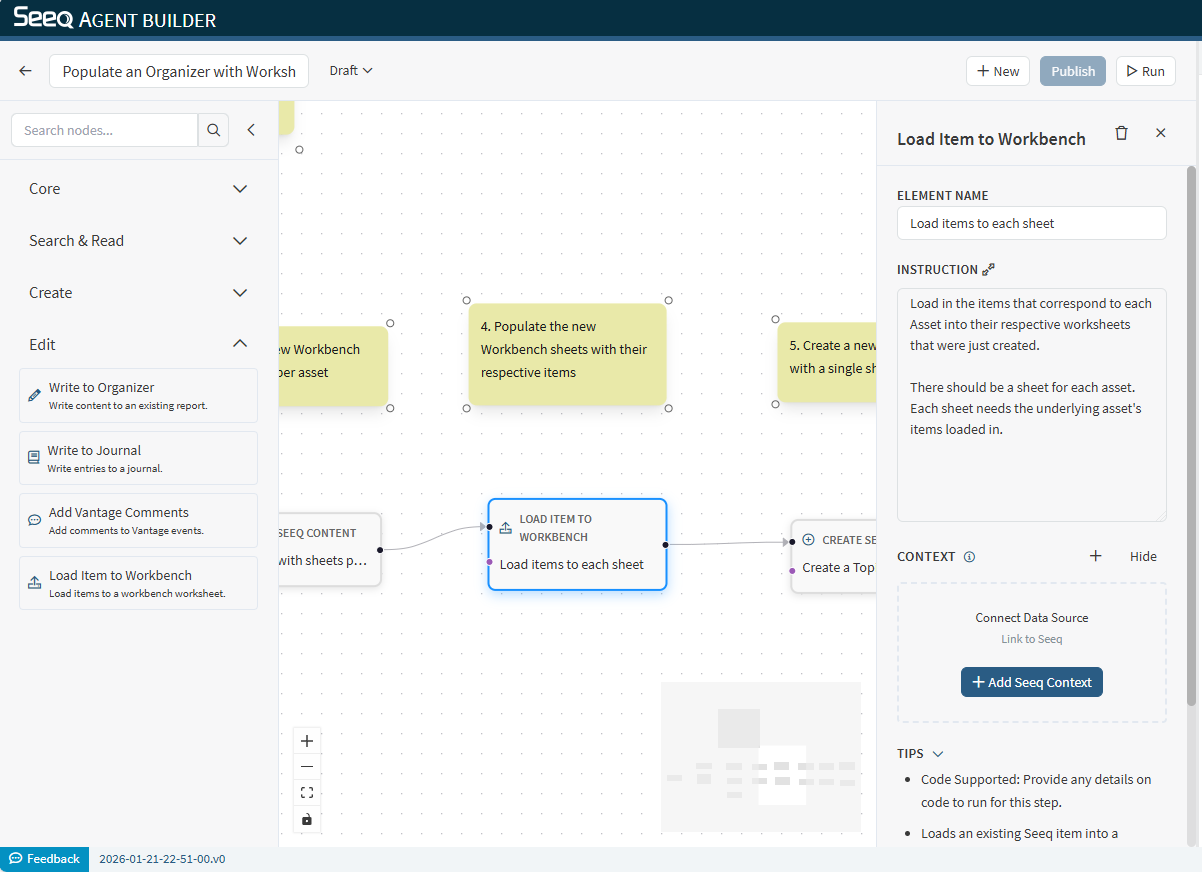
Use Load Item to Workbench to load Seeq items (signals, conditions, etc.) into a Workbench worksheet.
When to use
-
You want to populate a worksheet with items found by Search Seeq Items.
-
You want to load a predefined set of items before analysis or reporting.
Configuration
-
Instruction: Specify which items to load and whether the worksheet should be overwritten or appended to.
Context behavior
This node supports Seeq context and typically needs a target workbook/worksheet.
Output
The output typically confirms what was loaded and where.
Example instructions
-
“Load the signals returned by the previous node into the current worksheet without overwriting existing items.”
-
“Overwrite the worksheet with the top 5 items returned by Search Seeq Items.”