
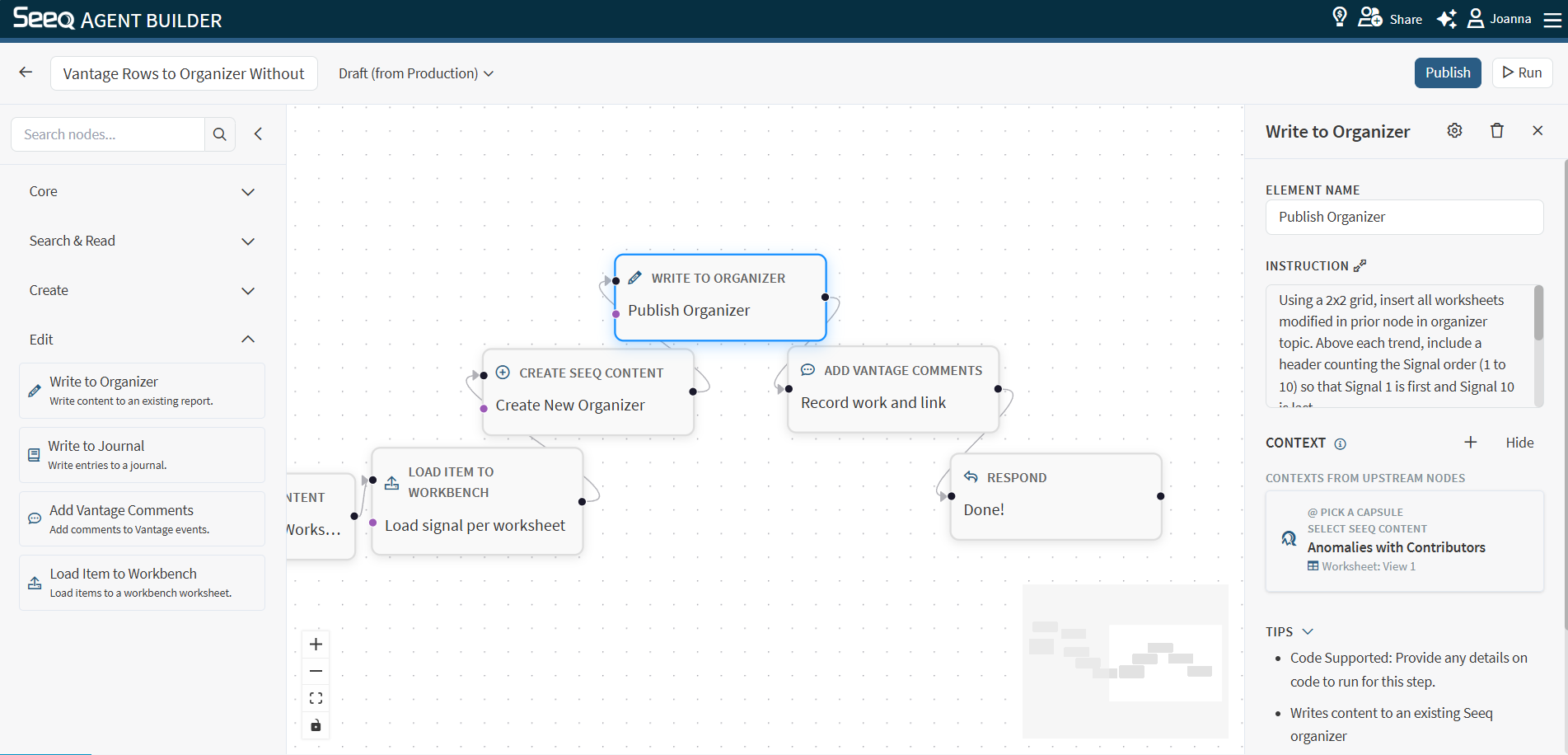
Use Write to Organizer to update or insert content in an existing Organizer report.
When to use
-
You want to add generated narrative, tables, or links into an Organizer report.
-
You want a workflow to maintain a living report over time.
Configuration
-
Instruction: Be explicit about what to add/update and where.
Helpful details to include:
-
Which section/topic should be updated
-
Whether to insert new content or replace existing content
-
The desired structure (headings, bullet lists, etc.)
Context behavior
This node supports Seeq context and typically needs a target workbook/worksheet associated with the Organizer content you want to update.
See: Select Seeq Content or Search Seeq
Output
The output typically confirms what was updated and provides a link to the updated content when available.
Example instructions
-
“Insert a new section titled ‘Weekly summary’ at the top of the Organizer report with the key KPIs and links.”
-
“Update the ‘Recommendations’ section to reflect the latest findings.”