
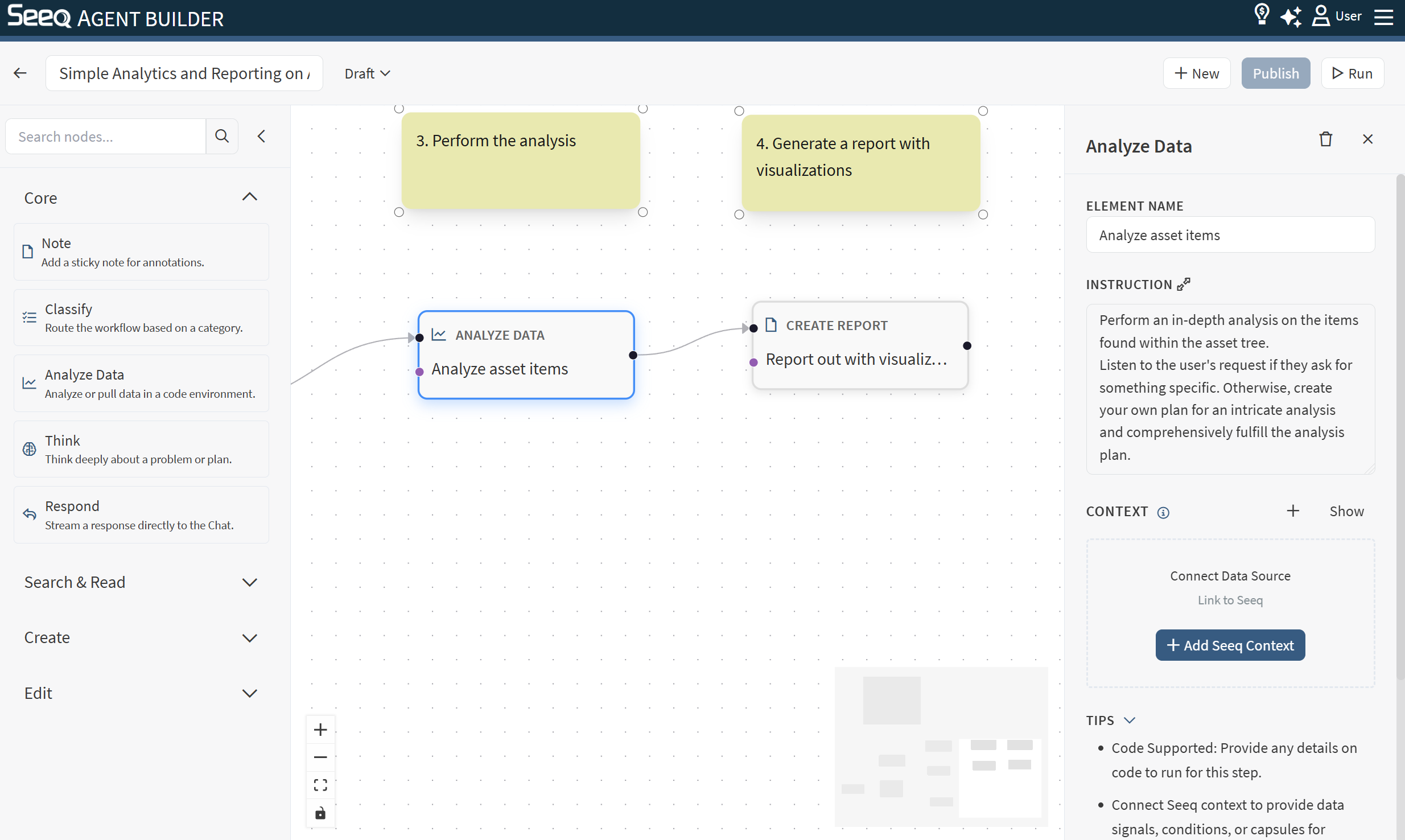
Use Analyze Data to load data (time-series and event data) and perform analysis as part of a workflow.
When to use
-
You want computed results (KPIs, comparisons, anomaly summaries) before responding.
-
You want to prepare intermediate results that a report-writing node can use.
Configuration
-
Instruction: Describe the analysis question clearly, including:
-
What to measure
-
Time range(s) or comparison periods
-
Desired outputs (numbers, tables, bullet findings)
-
Context behavior
This node supports Seeq context and typically uses the selected workbook/worksheet scope to find relevant items and context.
See: Seeq contexts.
Output
The output is usually a concise summary of results. Downstream nodes can use it as input for reporting or decision-making.
Example instructions
-
“Compare average throughput in March vs April and summarize the key drivers.”
-
“Identify the top 5 downtime events this week and compute total downtime hours.”