
Users can set their time zone preferences at both a worksheet and user level. To change the time zone, click on the time zone indicated in the display range date labels.

Timezone Selection
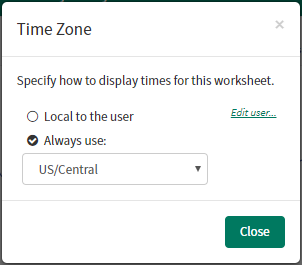
Users can set their time zone preferences at both a worksheet and user level. To change the time zone, click on the time zone indicated in the display range date labels.
Timezone Selection