Basics of Journal
Journal entries are free-form text that accompanies a worksheet. You can document your analysis as you go by explaining key assumptions and saving critical views in the Worksheet Journal.
Creating a New Journal Entry
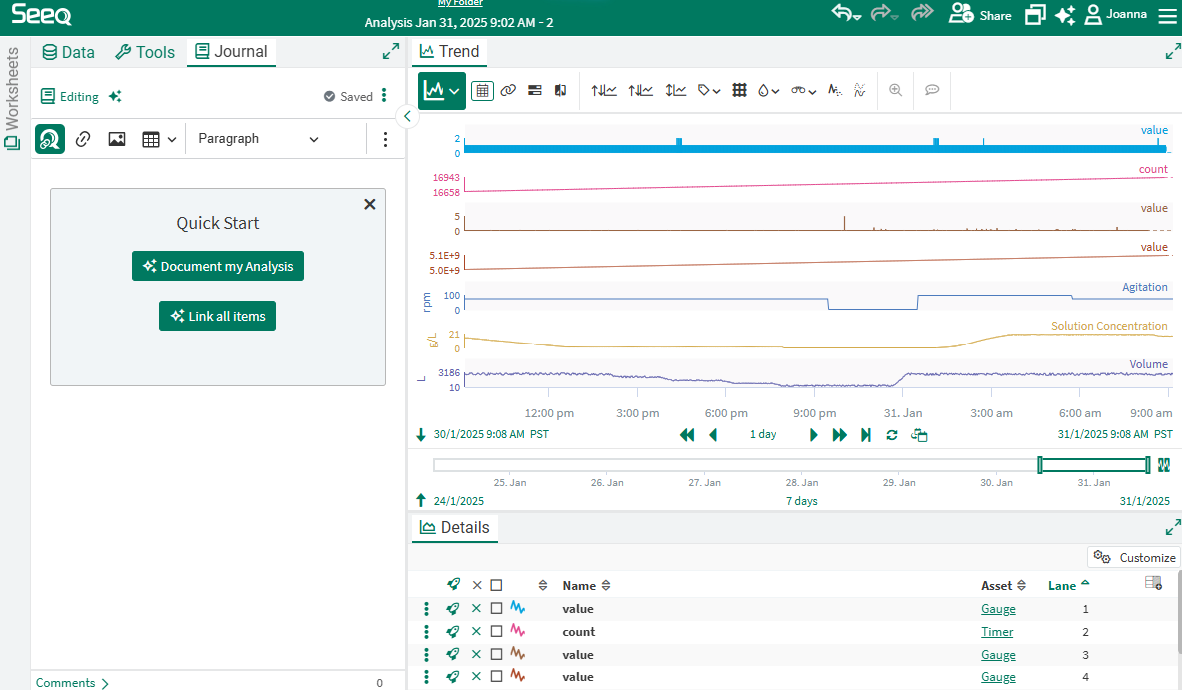
To create a new Journal entry, navigate to the Journal tab in the center panel as shown in the screenshot to the right. The location of the Journal tab may be different if you have modified your layout.
If you have access to the AI Assistant, you will have some Quick Links to let AI help you by documenting your analysis or adding helpful links. Once you use these once, this box will disappear, but you can still access these actions from the sparkles next to the word Editing at the top of the section.
Creating a New Journal Entry
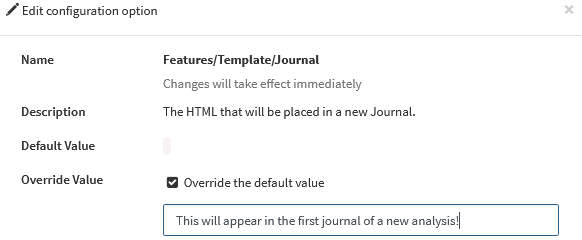
Configuring a Template Journal Format
Admins may configure a default template for the first journal in each workbench analysis.
Configuring a Template