
Overview
Once you have configured SCIM in your Authentication Provider in Seeq you can then configure the integration in Okta.
Creating and Configuring the Enterprise Application
-
In your Okta portal, go to Applications > Applications.
-
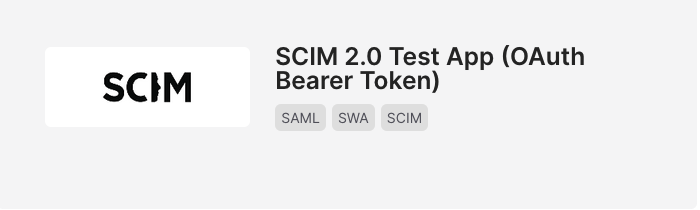
Click Browse App Catalogue and search for SCIM. Select SCIM 2.0 Test App (OAuth Bearer Token) and click Add Integration
-
Enter an appropriate name in Application Label (For example, Seeq)
-
Leave Sign-On Options as default, click Done
-
On the Provisioning tab click Configure API Integration
-
Select Enable API Integration
-
Enter the Base URL copied from Seeq into the SCIM 2.0 Base Url field
-
Enter the Secret Token copied from Seeq into the OAuth Bearer Token field
-
Click Test API Credentials
-
Click Save
You should now be able to provision groups and users from Okta