
Create Report
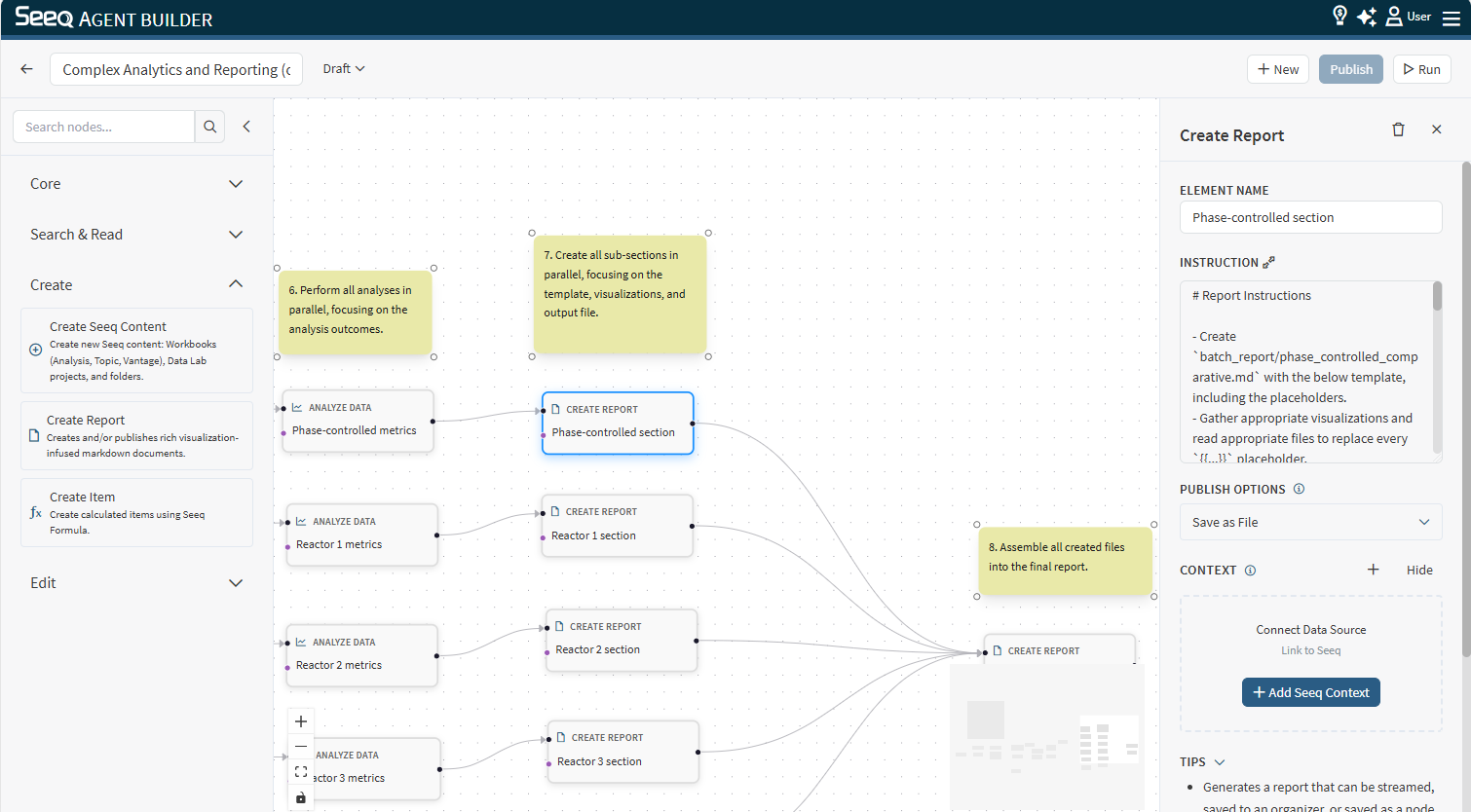
Use Create Report to create or update a Markdown report in the workflow’s workspace. This is useful for assembling a narrative output from upstream analysis and search/read steps.
When to use
You want a reusable report artifact (Markdown) that downstream nodes can reference.
You want to structure a long-form answer with headings, tables, and visuals.
Configuration
Instruction: Describe the report structure and required sections.
Publish options (if shown): Choose how you prefer the report to be used (for example, streamed vs published). If you need the report published or placed into a specific location, include that explicitly in the instruction.
Context behavior
This node optionally supports Seeq content as context. Attach context when the report should reference a specific workbook/worksheet or related content.
Output
The output typically includes:
What report file was created/updated in the workspace
A short summary of what was written
Example instructions
“Create a report with sections: Summary, Findings, Supporting charts, Next steps. Keep it concise.”
“Create a report that compares last week vs this week and includes a recommendation section.”