
Respond
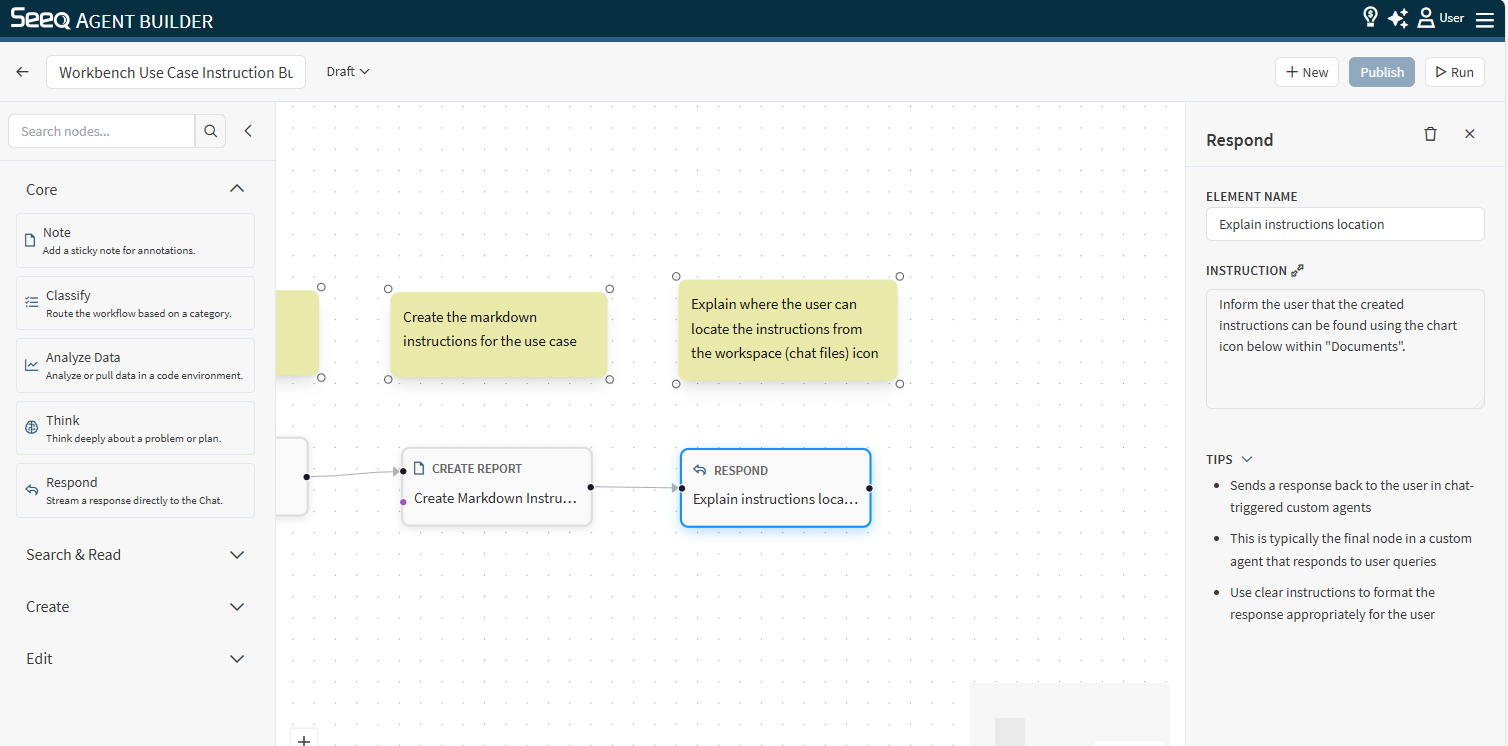
Use Respond to produce the user-facing answer.
When to use
As the final step of most workflows.
After upstream nodes have gathered facts, performed analysis, or created artifacts.
Configuration
Instruction: Define the desired response format and tone.
Examples:
“Answer in 3–5 bullets and include relevant links.”
“Return a short executive summary followed by a detailed explanation.”
Output
This node streams the final response back to the user.