
Load Item to Workbench
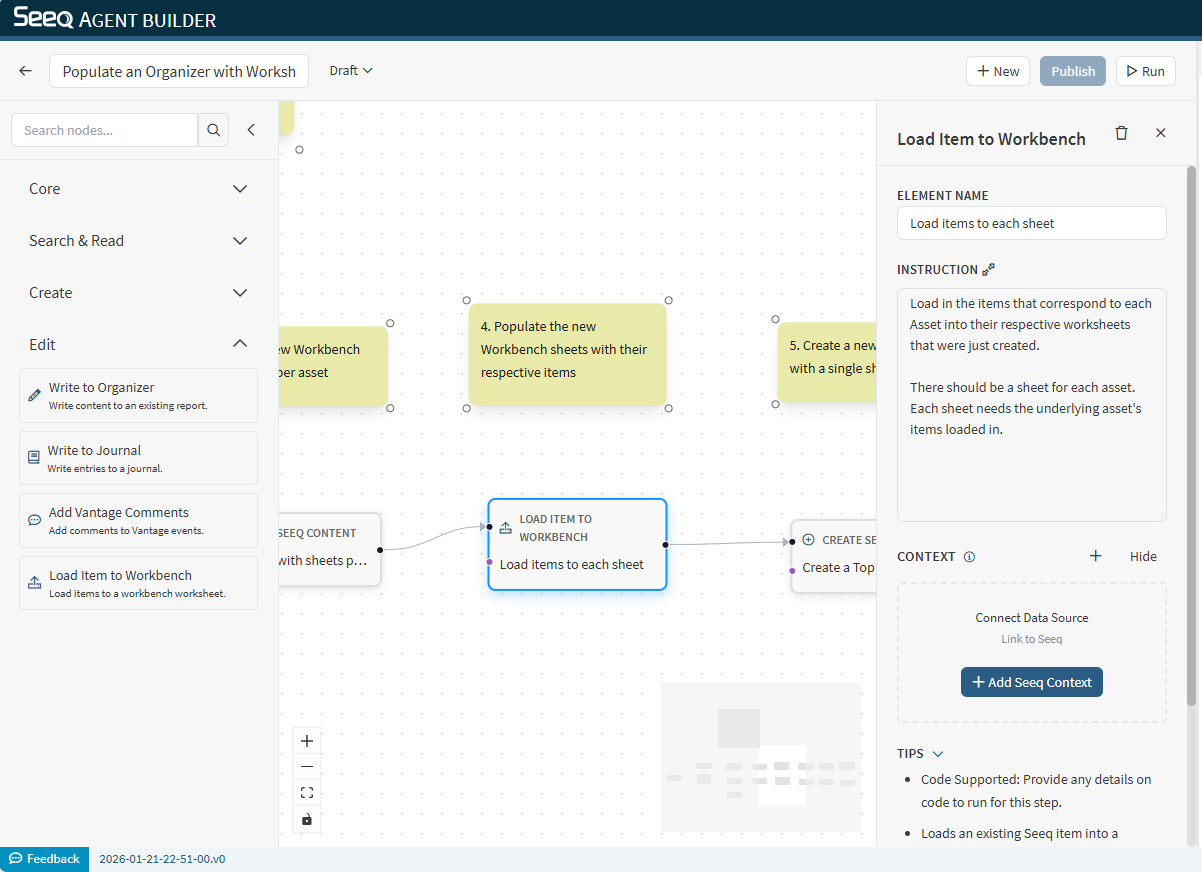
Use Load Item to Workbench to load Seeq items (signals, conditions, etc.) into a Workbench worksheet.
When to use
You want to populate a worksheet with items found by Search Seeq Items.
You want to load a predefined set of items before analysis or reporting.
Configuration
Instruction: Specify which items to load and whether the worksheet should be overwritten or appended to.
Context behavior
This node supports Seeq context and typically needs a target workbook/worksheet.
Output
The output typically confirms what was loaded and where.
Example instructions
“Load the signals returned by the previous node into the current worksheet without overwriting existing items.”
“Overwrite the worksheet with the top 5 items returned by Search Seeq Items.”