
Create Item
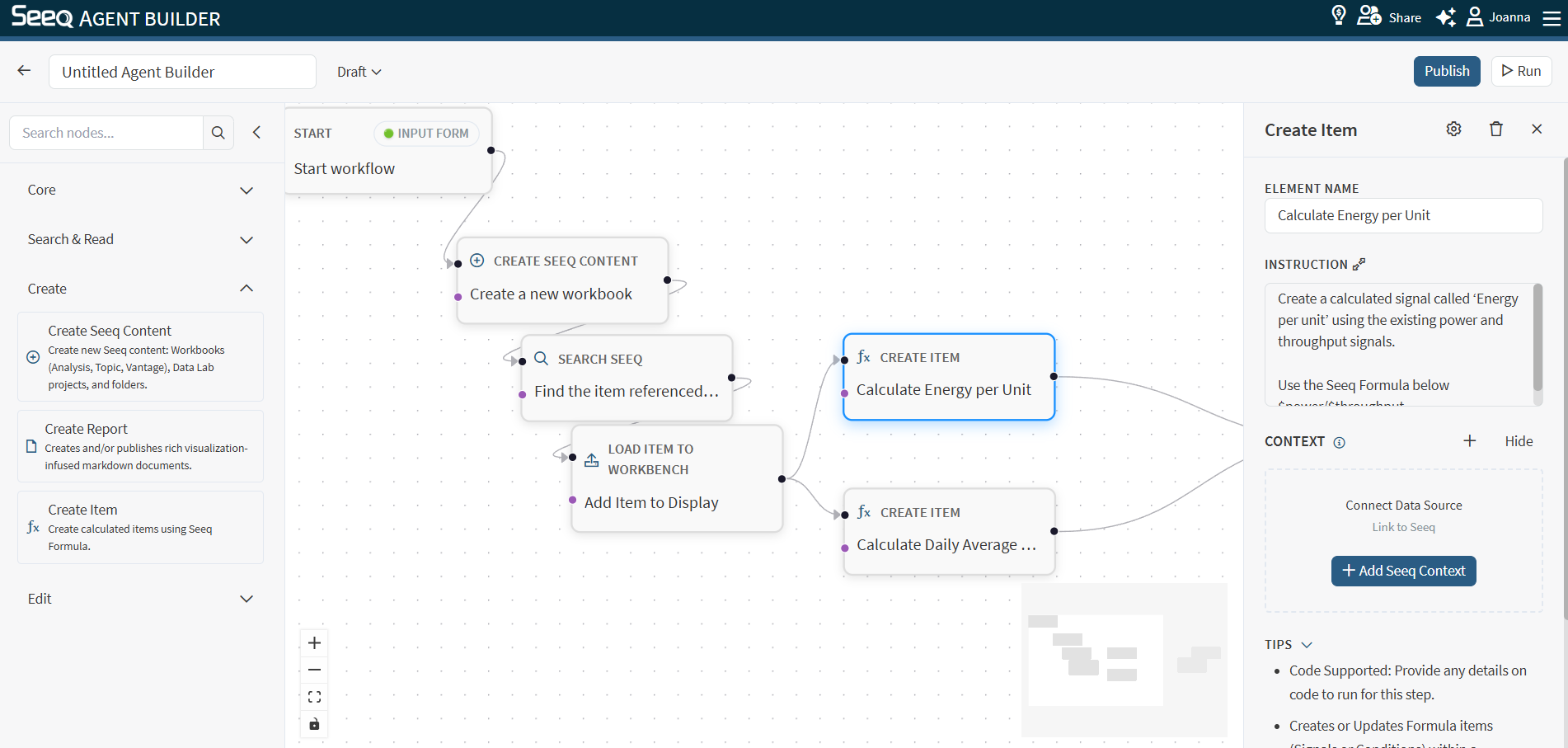
Use Create Item to create or update Workbench calculations (items) in the target workbook/worksheet.
When to use
You want the workflow to define new calculated signals/conditions.
You want to update existing calculations based on new requirements.
Configuration
Instruction: Describe the calculation(s) you want created, including names and formulas when possible.
Context behavior
This node supports Seeq context and typically needs a target workbook/worksheet.
Output
The output typically confirms what was created/updated and where.
Example instructions
“Create a calculated signal called ‘Energy per unit’ using the existing power and throughput signals.”
“Update the ‘Downtime’ condition logic to exclude maintenance windows.”