
Export to PowerPoint enables users to export an Analysis or individual Worksheet to a PowerPoint file. A powerpoint slide is created with a screenshot of the content from each worksheet.
Using the Export to PowerPoint Tool
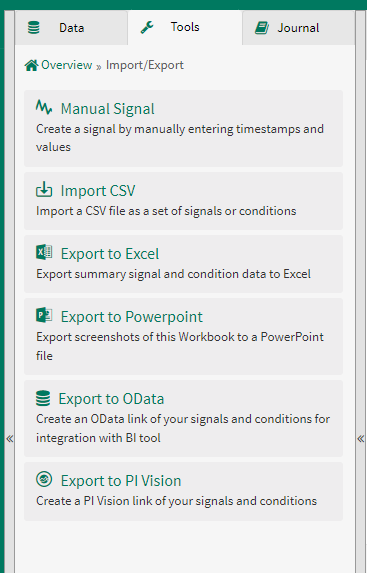
Import/Export tools are available in the Tools tab of the Data panel:
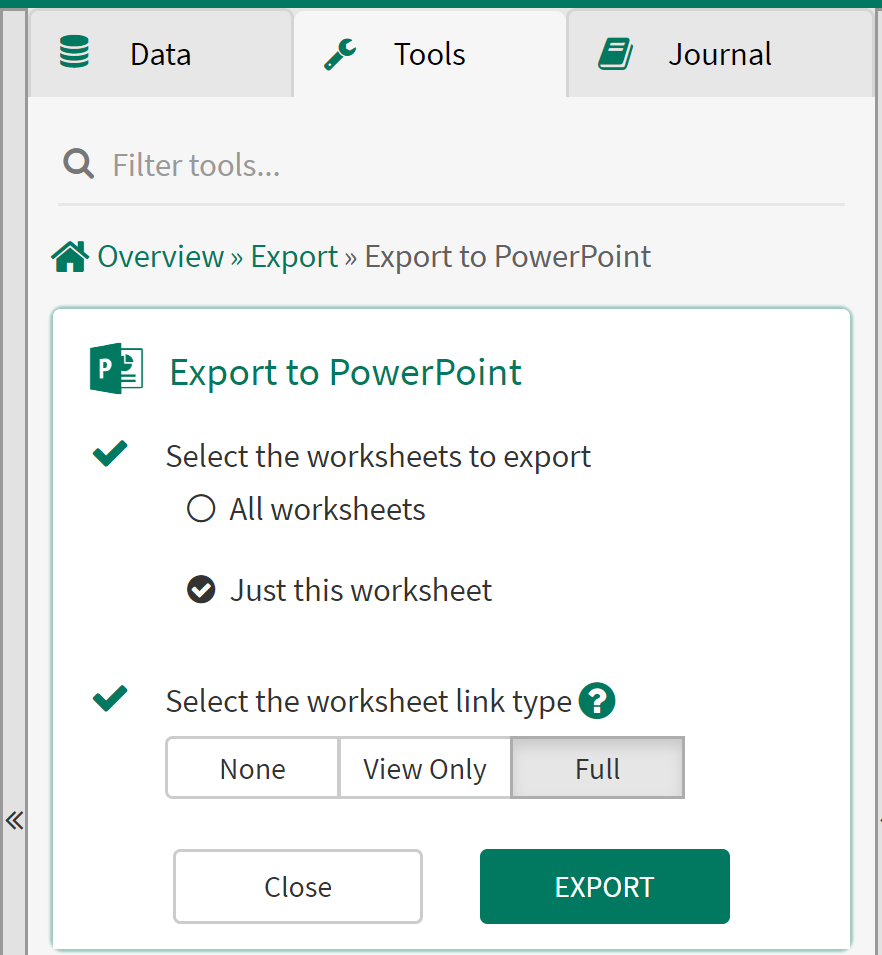
Select the worksheets to export: Specify if you would like the powerpoint file to contain a slide for every worksheet in your analysis or just a single slide with content from the current worksheet.
Select the worksheet link type: Each PowerPoint in slide in the deck can include a hyperlink to the source Seeq Workbench Analysis page. You can choose if you want to include the hyperlink and if so what permissions a user will enter the Analysis page with.