
What is Seeq?
Browser-based Monitoring & Analytics
Go beyond monitoring with auto-updating reports & dashboards with advanced analytics, KPIs, sophisticated alarms, and more right from your browser.
View, collaborate, & share, anytime & anywhere, enabling easier collaboration with engineering teams and management.
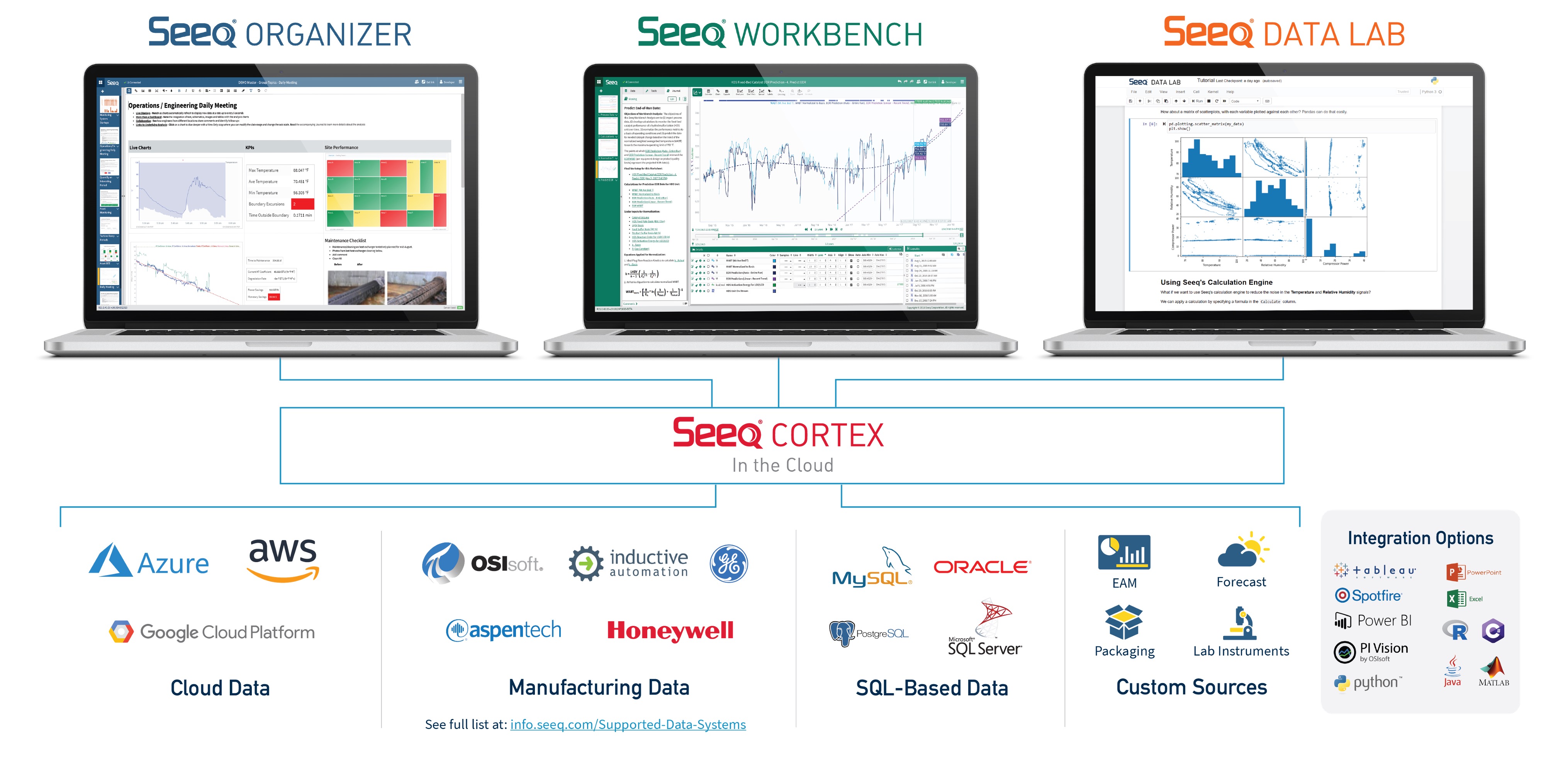
Seeq offers 3 apps:
-
Organizer (auto-updating reports & dashboards)
-
Workbench (trending & data analytics)
-
Data Lab (deploy Python scripts)
Auto-Updating Dashboards & Reports
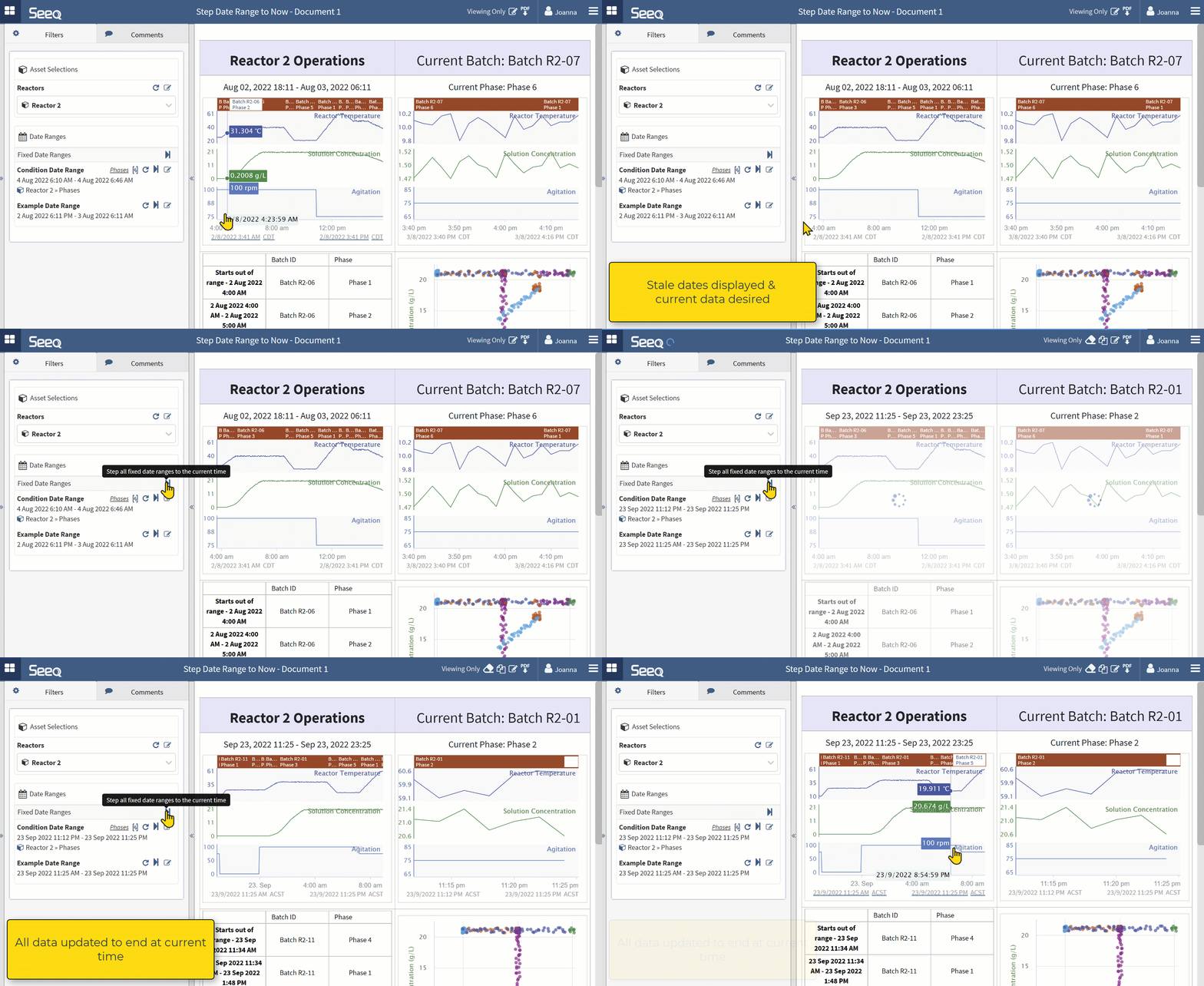
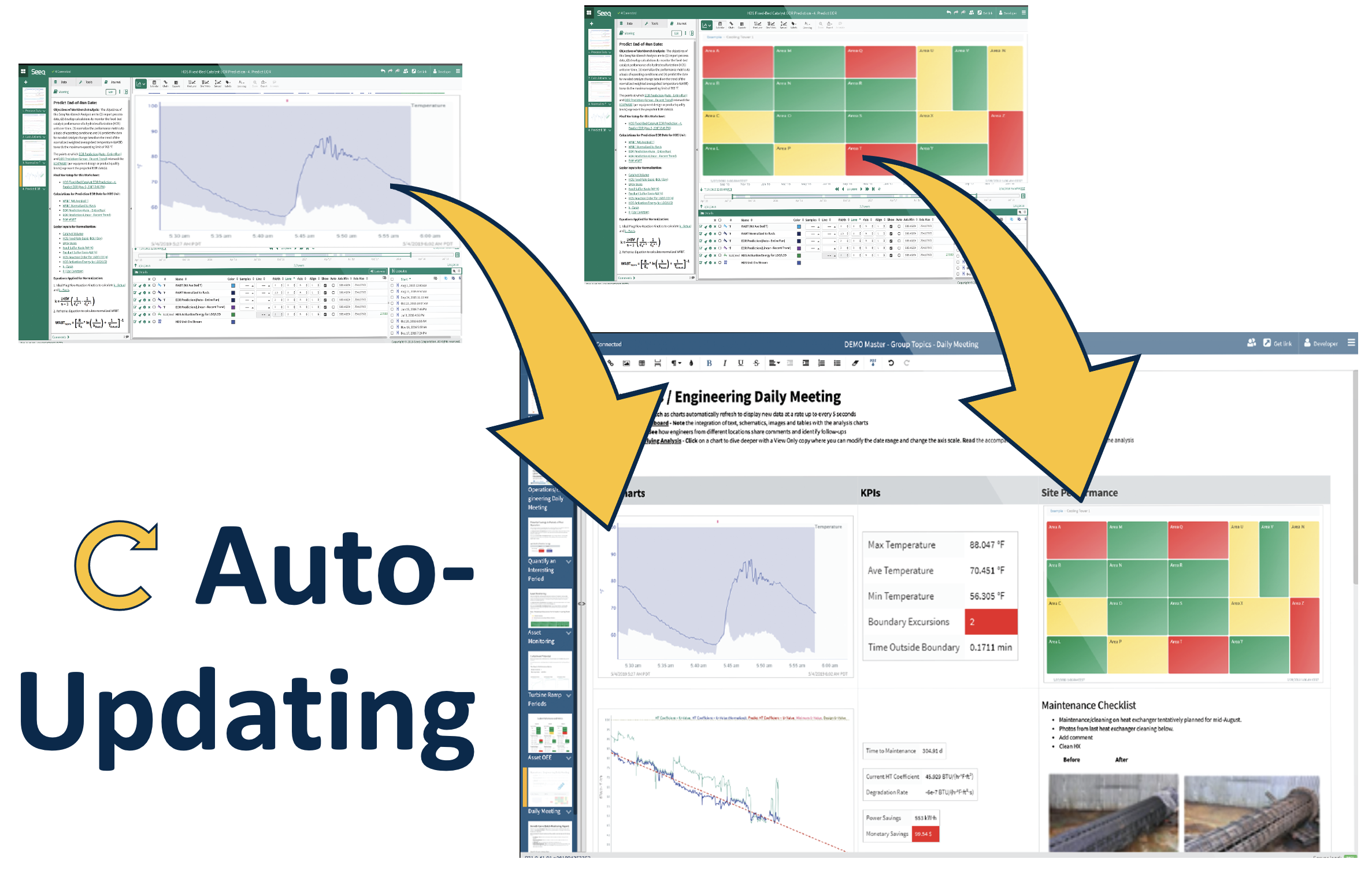
Reports & dashboards in the Seeq Organizer app “update to now” with a single click or on a schedule (or both!).
Access & share securely with a browser link.
Click on figures to see the underlying data in Seeq Workbench (see below).
Access Your Data
Search for your data and click to add it to the trend.
Your IT/Admin sets up data connectors to historians, SQL data, & much more.
Seeq handles data with different sample spacing (gridding) using automatic cross-interpolation, eliminating hours of manual work.

Trend & Visualize Data
Want to explore your data? Interactive trending enables you to find insights quickly.
Seeq also features tables, XY plots, bar graphs, a variety of built-in chart types, and more.
Bookmark any step or view to quickly return to that moment in your analysis.

Analyze Data
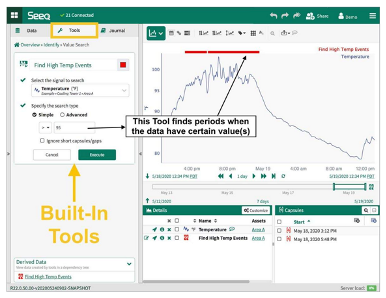
Go beyond trending with a variety of built-in, point-&-click tools for calculating KPIs, identifying events of interest, & much more.
Collaborate
Sharing dashboards & analytics with the right people can improve productivity, safety, sustainability, and reliability.
Share analytics and reports as browser pages or PDFs with individuals or groups.
Access can be controlled for analyses, reports, data items, and datasources.
What’s Next?
Hands-on Training
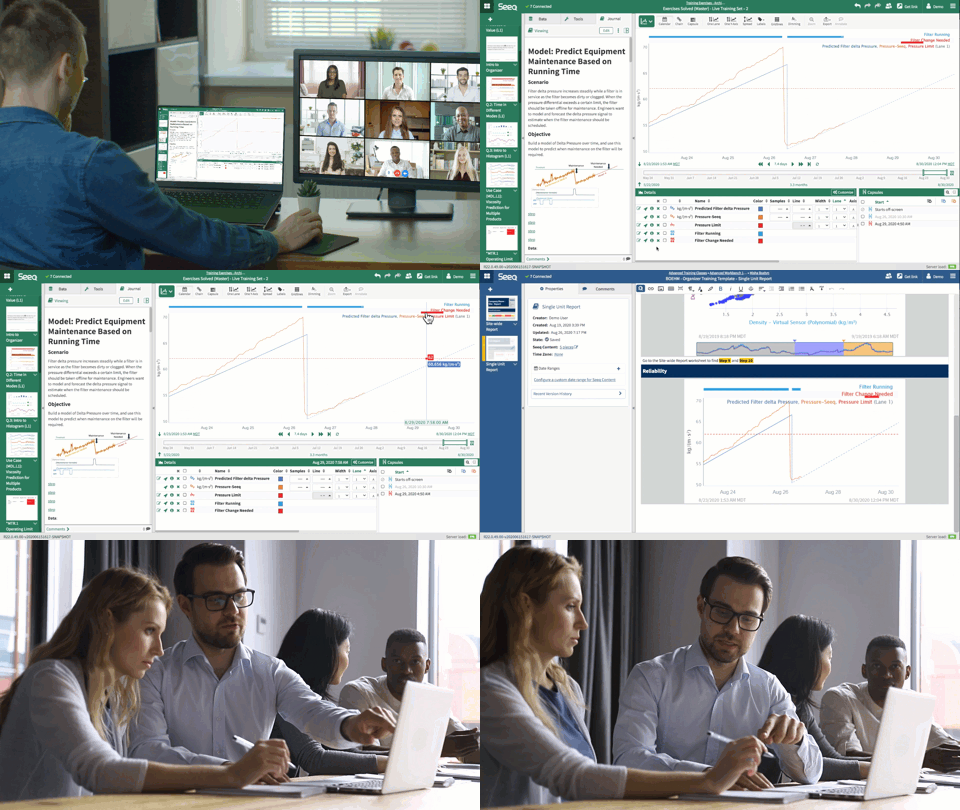
-
Quickly learn skills useful for your role
-
Hands-on, industry-relevant exercises
-
Certifications
How to Access Training
-
Get Branch Code* (from Seeq home screen or your admin)
-
Click “Register” on training.seeq.com
-
Choose your role
Browse resources on support.seeq.com
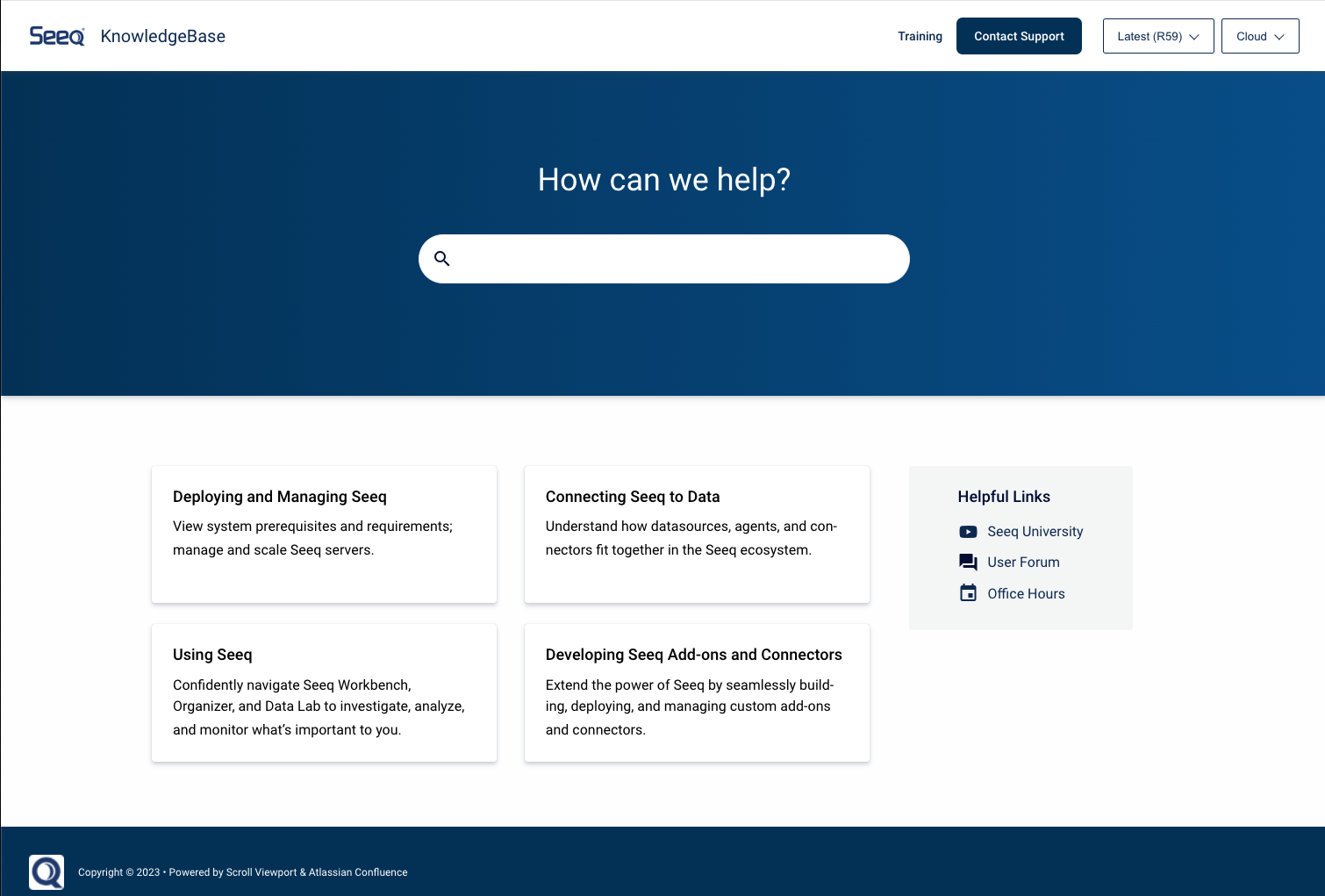
Knowledge Base, Videos, Forum, Office Hours, and more.
Also accessible through your Seeq Homescreen.