Using the Condition with Properties Tool
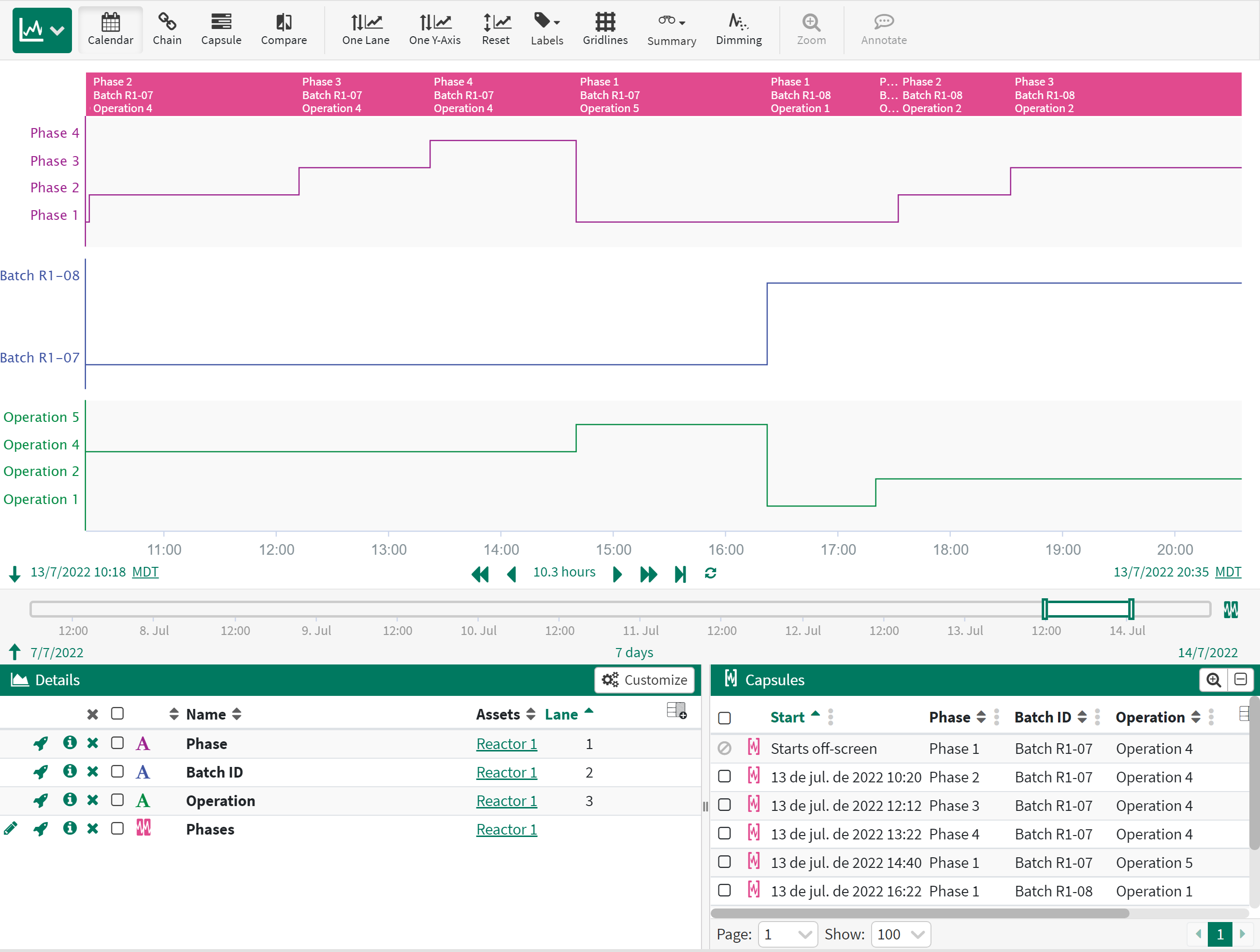
The Condition with Properties tool takes one or more step signals and turns them into a condition where the values of the signals are properties on the capsules. A new capsule will be created any time the value of one of the signals change.
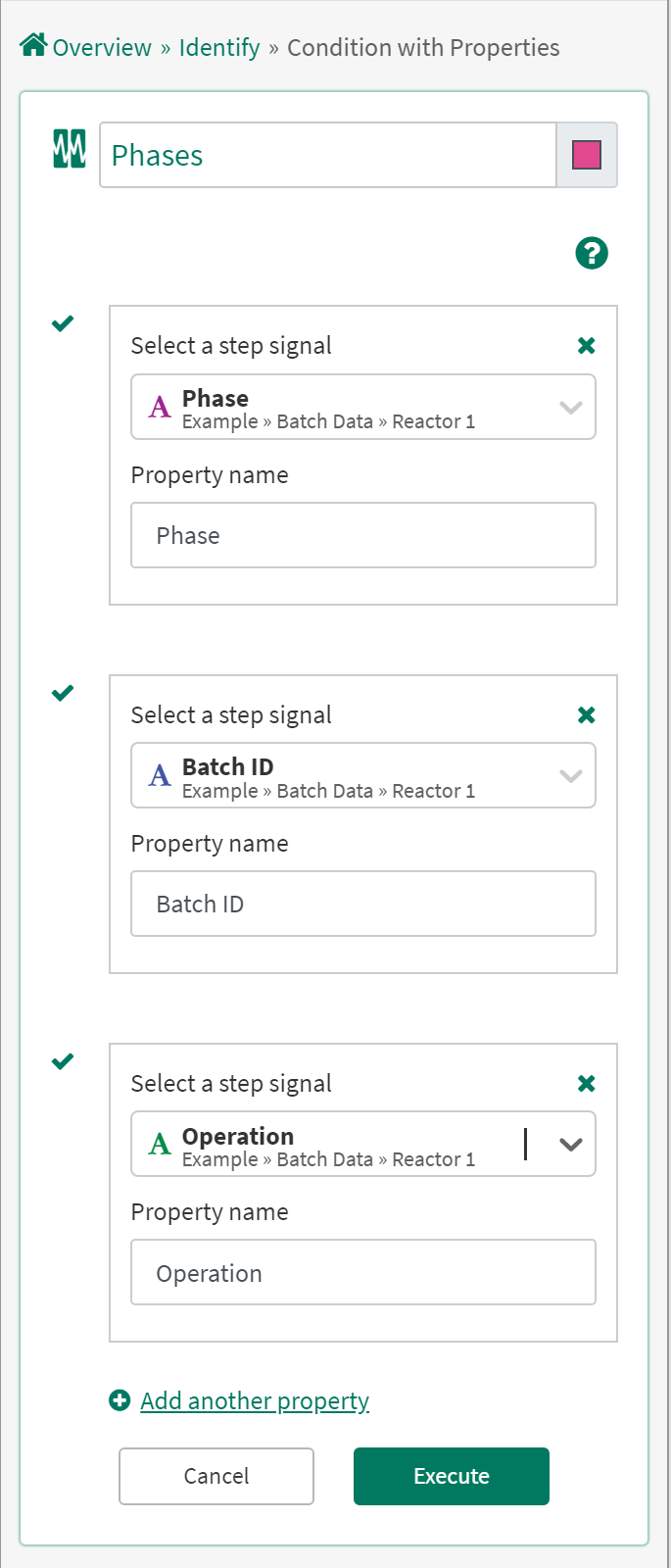
Select the signal(s): From the dropdown menu select a step signal from the details pane, pinned items or recently used sections.
Click “Add another property” to add more signals as properties to the same condition.
Click the X to remove a signal.