
Overview
It is possible to interact with Seeq's API via Python scripts in Ignition.
A complete guide to scripting in Ignition is available from Inductive Automation here. To interact with Seeq from the Ignition scripting environment, one makes use of API calls via http to Seeq Server URLs. The endpoints for Seeq API requests are available from the Swagger-based API Reference. Scripts in Ignition may be used for things like automating scheduled tasks or enhancing user interactions in applications or interfaces designed with Ignition Designer.
Seeq SDK support
Seeq’s SDK is supported in Ignition 8+.
A Simple Example
The scripting console in Ignition Designer can be accessed from the Tools menu:
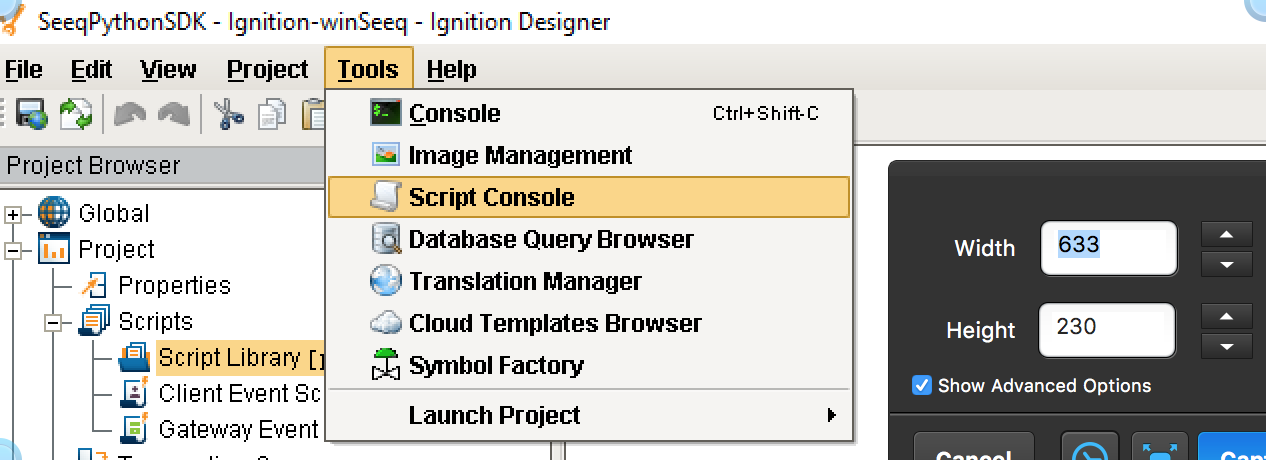
This will bring up an interface like the following:
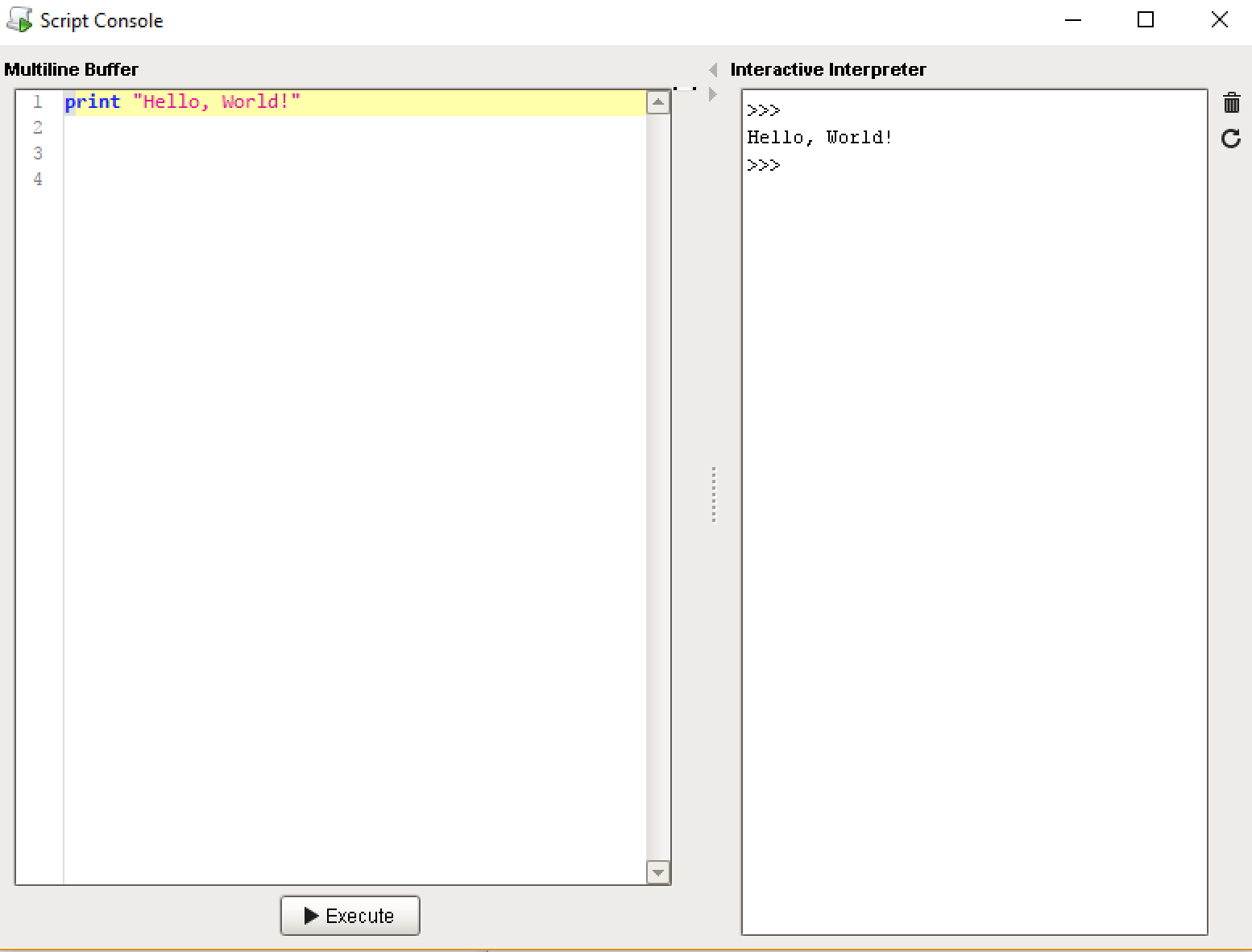
Script text is entered on the left and executed on the right. The Seeq Python SDK is not currently supported by the Jython 2.5-based Ignition scripting environment, so the recommended approach for writing basic scripts to interact with Seeq is to use the urllib2 package to build and execute URI requests to the Seeq server. Here is a sample script for authenticating against the Seeq login endpoint and requesting system status with the resulting auth token:
import urllib2 as u2

url_api = 'http://localhost:34216/api'
url_login = url_api + '/auth/login'
url_status = url_api + '/system/server-status'

login_headers = { 'Accept' : 'application/vnd.seeq.v1+json', \
            'Content-Type' : 'application/vnd.seeq.v1+json' }
login_data = '{ "username" : "guest", "password": "guest", "authProviderClass": "Auth", "authProviderId": "Seeq"}'
login_req = u2.Request(url_login, login_data, login_headers)
try:
  login_resp = u2.urlopen(login_req)
  resp_info = login_resp.info()
  print 'Auth Token: \n' + resp_info['authorization']
  status_headers = login_headers
  # For Seeq R18 and earlier, uncomment the following line and comment out the one after that
  # status_headers['Authorization'] = 'Bearer: ' + resp_info['authorization']
  status_headers['x-sq-auth'] = resp_info['x-sq-auth']
  status_req = u2.Request(url_status, None, status_headers)
  status_resp = u2.urlopen(status_req)
  status_resp_info = status_resp.info()
  print 'Status: \n' + status_resp.read(1000)
except Exception, e:
  print e
To make this work for your system, you will probably need to change the url_api, and you may need to modify the authProviderClass and authProviderId to "LDAP" and the Seeq datasource ID for the LDAP connection if using an LDAP directory for logins to Seeq. The login_data object must be a properly-escaped JSON string, since the 'json' package that auto-converts between Python dictionaries JSON objects is not available prior to Python 2.6. If everything is copacetic with the configuration of your script, upon clicking "Execute" in the script console, you should a response similar to the following:
