Overview
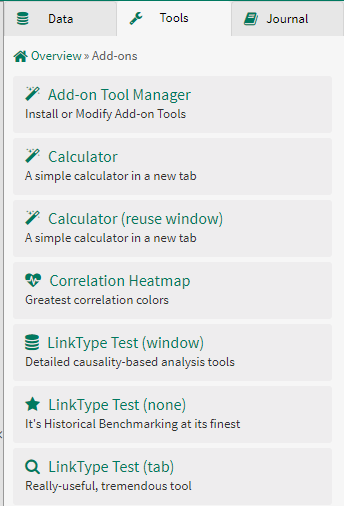
Add-on Tools appear in an “Add-ons” group on the Seeq Tools panel or the Home Screen. These tools open an app-mode Data Lab notebook. The code of the Add-on Tool can be contained entirely in a single Data Lab notebook, or it can be split into many files to organize more complex development.

Configuration
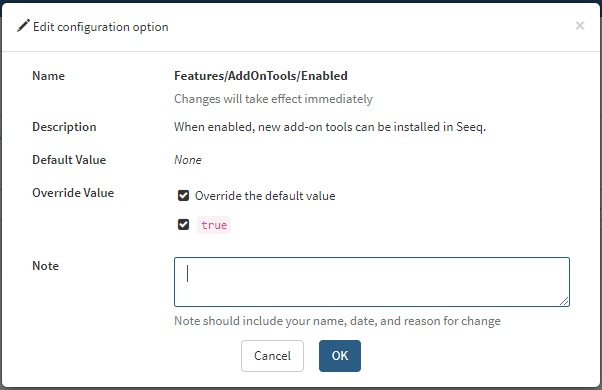
An admin user can enable Add-on Tools through the Administration panel from the hamburger menu in the top right of Seeq. Navigate to the “Configuration” tab, change the “Advanced” column to “yes” and switch Features/AddOnTools/Enabled to true.