
Write to Journal
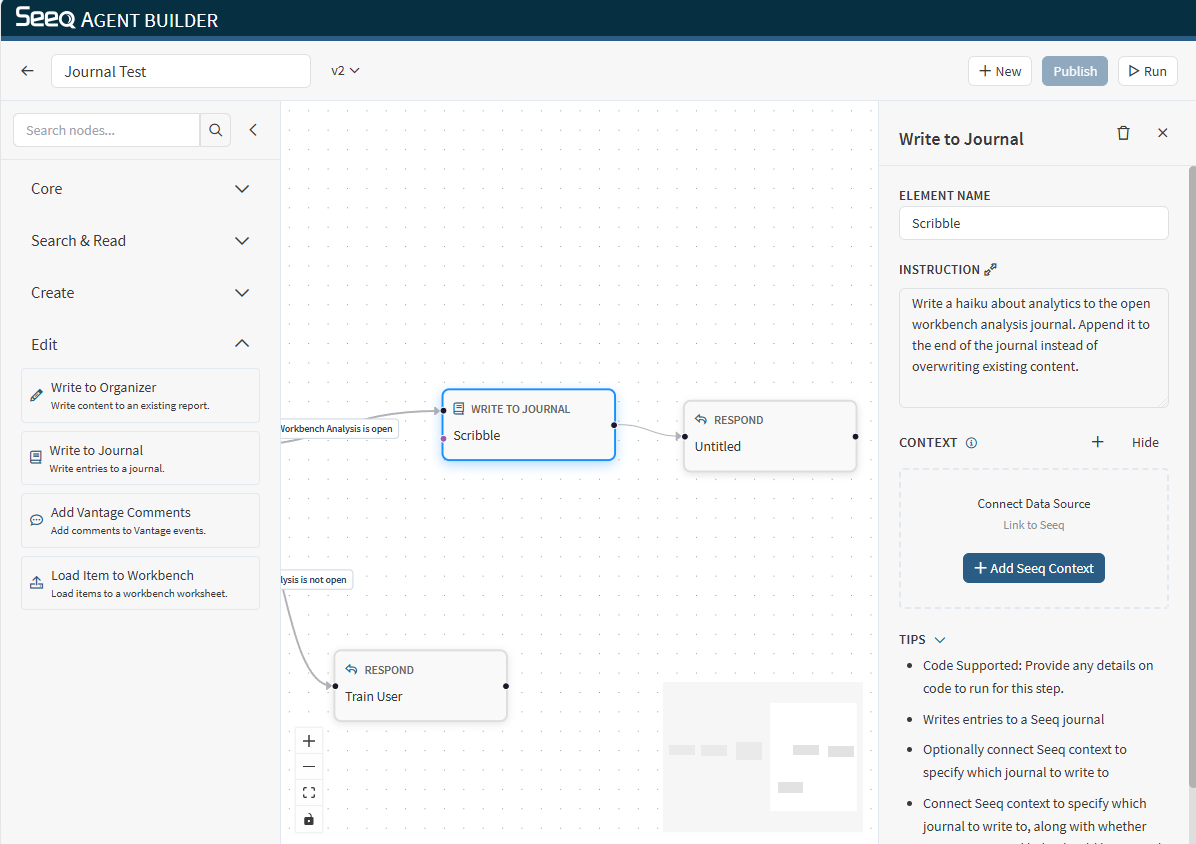
Use Write to Journal to insert a new journal entry into a Workbench worksheet.
When to use
You want to capture workflow findings directly in the Workbench journal.
You want to generate a narrative entry with links back to key views or items.
Configuration
Instruction: Describe what the journal entry should contain and where it should be inserted (top/bottom, etc.).
Context behavior
This node supports Seeq context and typically needs a target workbook/worksheet. This context can be provided by a Select Seeq Content or from context provided by an earlier node in the workflow.
Output
The output typically confirms that the journal entry was created and where it was placed. You may need to refresh the screen to see the journal entry.
Example instructions
“Add a journal entry summarizing the key events this week and include links to the trend and time range.”