
Write to Organizer
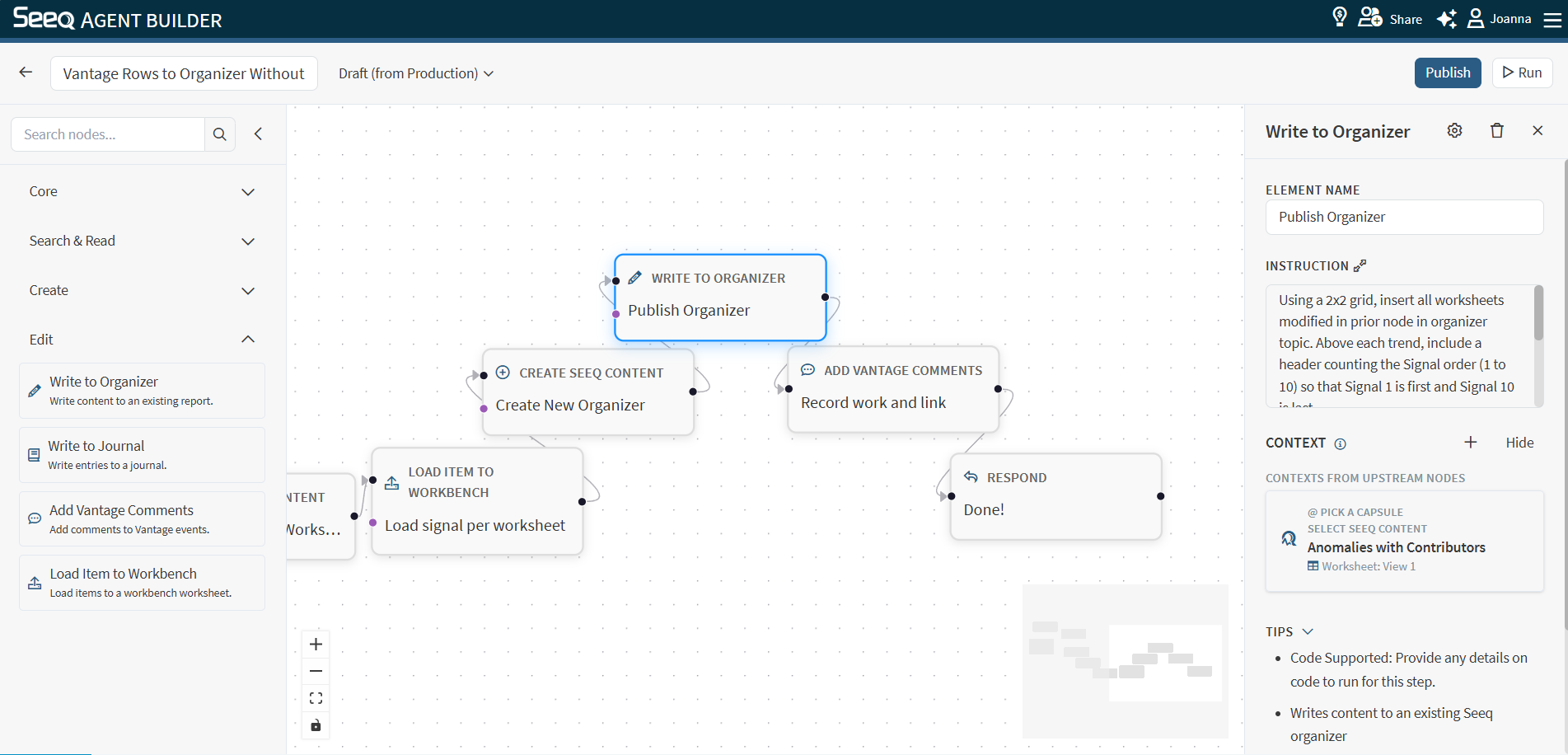
Use Write to Organizer to update or insert content in an existing Organizer report.
When to use
You want to add generated narrative, tables, or links into an Organizer report.
You want a workflow to maintain a living report over time.
Configuration
Instruction: Be explicit about what to add/update and where.
Helpful details to include:
Which section/topic should be updated
Whether to insert new content or replace existing content
The desired structure (headings, bullet lists, etc.)
Context behavior
This node supports Seeq context and typically needs a target workbook/worksheet associated with the Organizer content you want to update.
See: Select Seeq Content or Search Seeq
Output
The output typically confirms what was updated and provides a link to the updated content when available.
Example instructions
“Insert a new section titled ‘Weekly summary’ at the top of the Organizer report with the key KPIs and links.”
“Update the ‘Recommendations’ section to reflect the latest findings.”