
Start Node
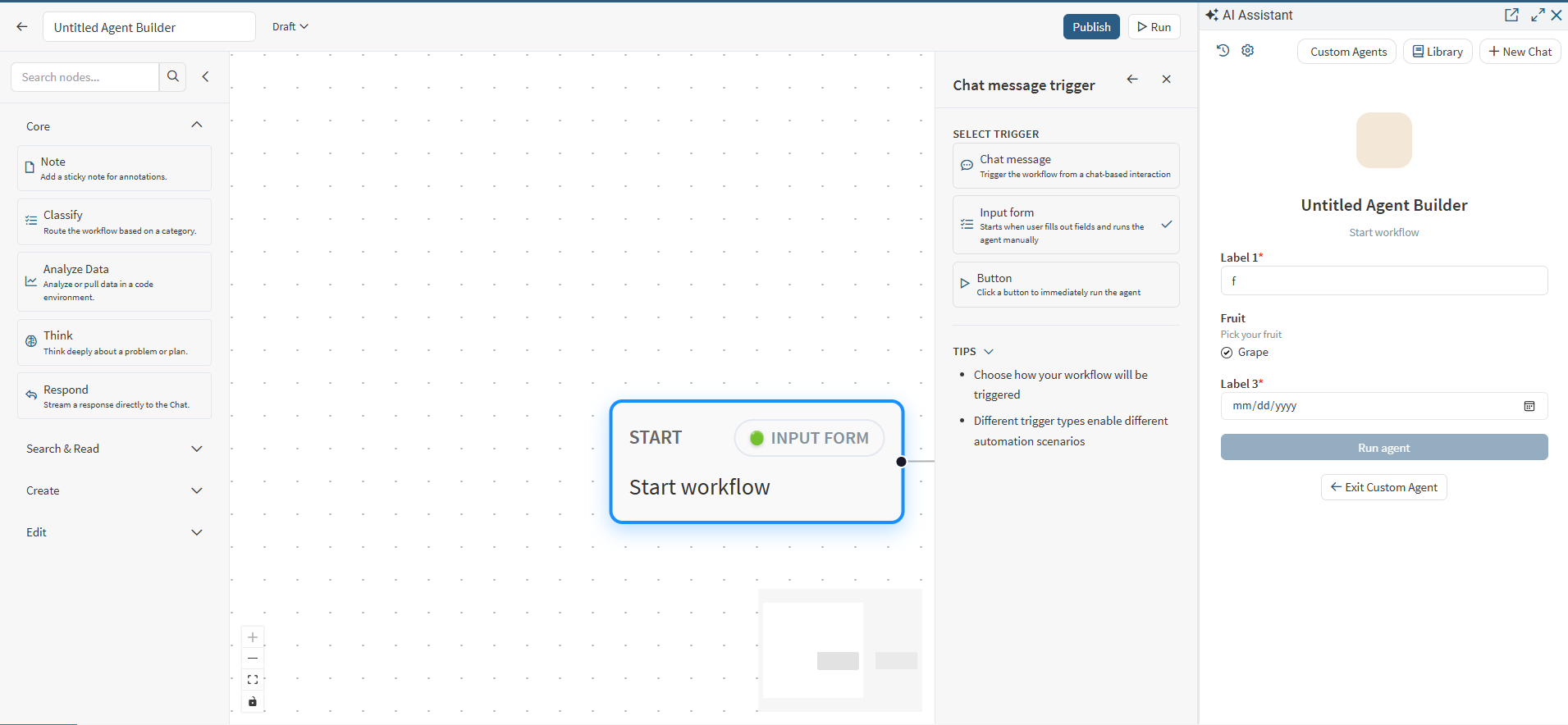
The Start node defines how the workflow begins. It is required and cannot be deleted.
Trigger types
Chat trigger
The Start Node currently supports three chat-based trigger types:
Chat message
Input form
Button
How to Configure
Select the Start node in the canvas.
In the Inspector panel, select the desired trigger type (Chat Message, Input Form, or Button).
Trigger Types
1. Chat Message
Definition
Standard conversational workflow entry.
Behavior
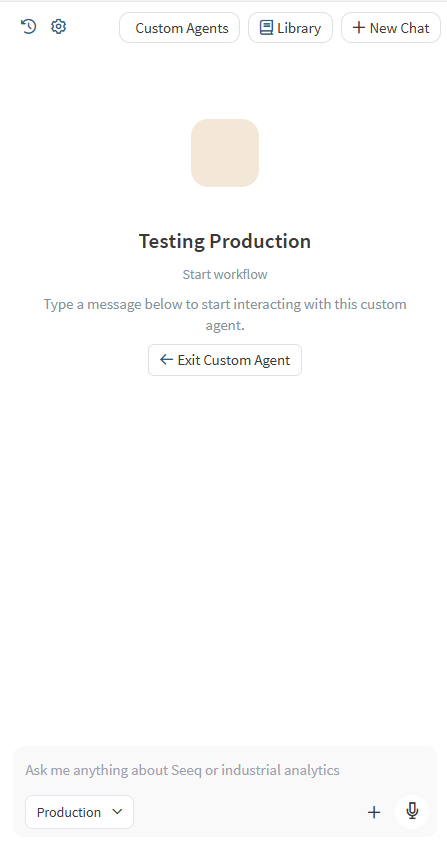
User submits a natural language prompt in AI Assistant.
The submitted message becomes the workflow input payload.
Execution begins immediately after submission.
Input Handling
Entire user message is passed as raw input.
No enforced structure.
Parsing and interpretation occur within downstream nodes.
When to Use
Open-ended questions
Exploratory analysis
Dynamic or variable requests
Knowledge retrieval workflows
Example Use Cases
“Analyze last week’s production variance.”
“Compare Reactor A and Reactor B efficiency.”
“Explain this KPI.”
2. Input Form
Definition
Structured workflow entry with predefined fields.
Behavior
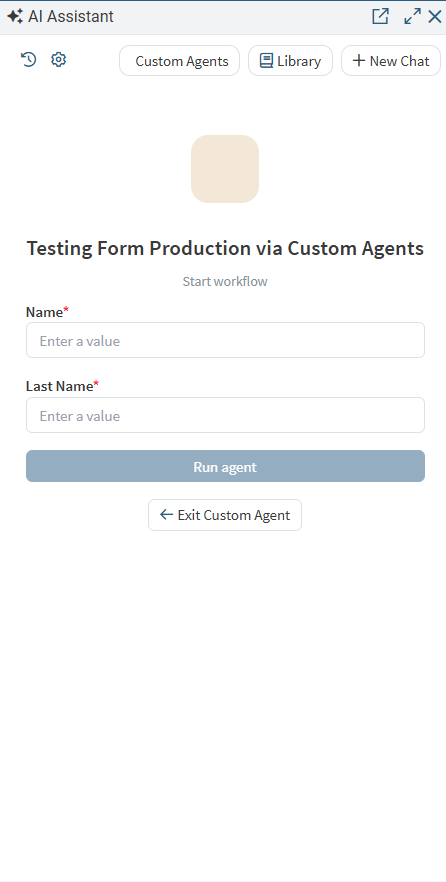
User is presented with configured input fields in AI Assistant before execution.
The workflow does not start until the form is submitted.
Field values are serialized into a structured input object.
Requirements
At least one form field must be configured.
Each field defines type, label, and validation constraints.
Input Handling
Values are transmitted as structured key-value pairs.
Eliminates ambiguity and enforces required parameters.
Input form fields
Input form fields support:
Text
Multiple choice
Date
Per-field settings:
Label
Description (optional)
Default value (optional)
Required
Options (multiple choice only)
When to Use
Workflows requiring mandatory inputs
Report generation
Compliance or standardized submissions
Parameterized analysis
Example Fields
Start Date
End Date
Asset ID
Severity Level
Analysis Type
3. Button
Definition
Immediate execution trigger with no user-supplied input.
Behavior
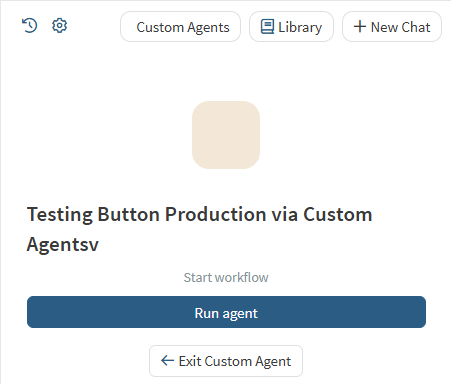
User sees two options: Run agent and Exit.
No prompt or form is displayed.
Clicking Run agent starts the workflow instantly.
Input Handling
No runtime input collected from the user.
Workflow relies on predefined logic or system-derived values.
When to Use
Deterministic actions
Predefined reports
System checks
Refresh or update operations
Example Use Cases
“Generate Today’s Production Report”
“Run Diagnostic”
“Update Metrics Now”
Validation rules
Start node must have a selected trigger type.
For Input Form trigger, at least one field must be configured.