
IOTAVue - Organizer Topic Integration
Customers of IOTA Software can insert an IOTAVue display into a Seeq Organizer Topic.
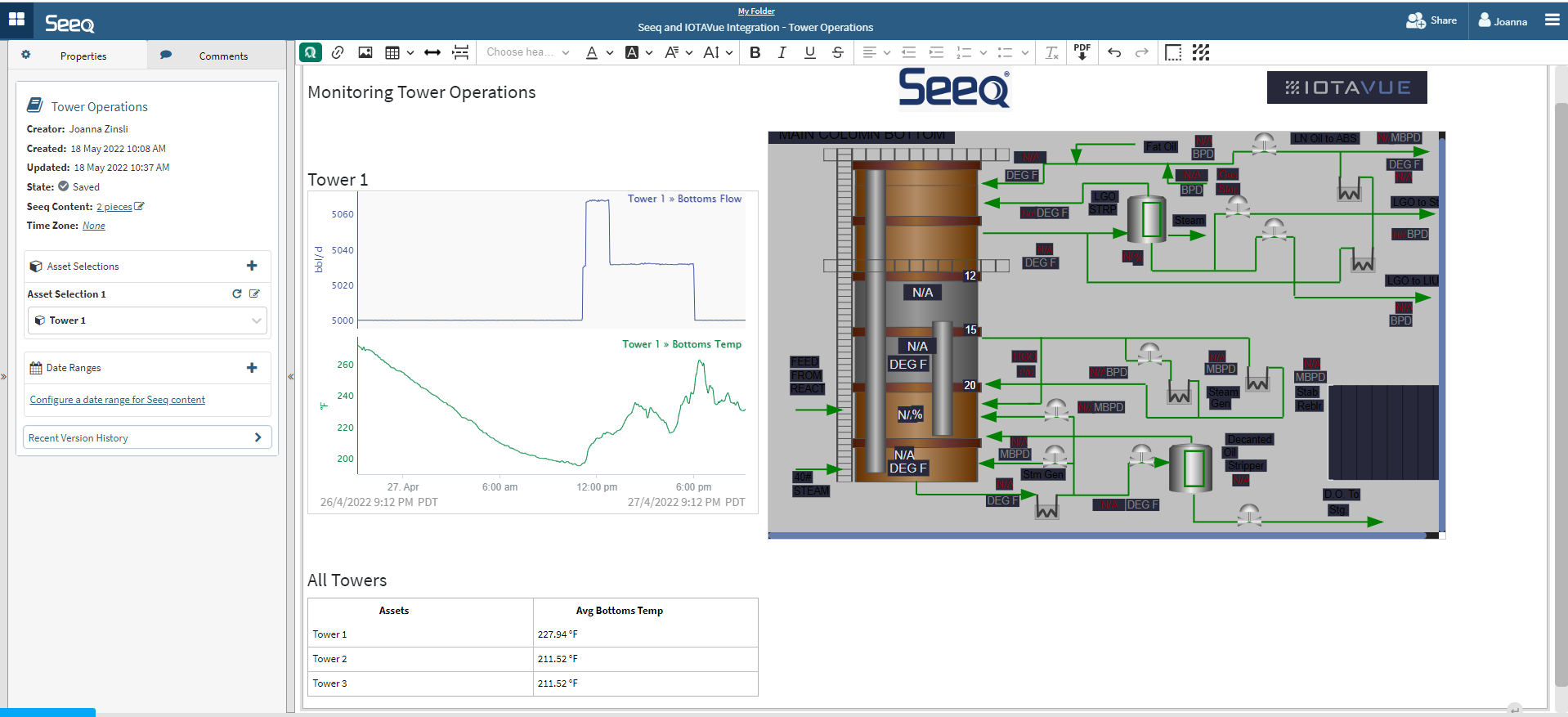
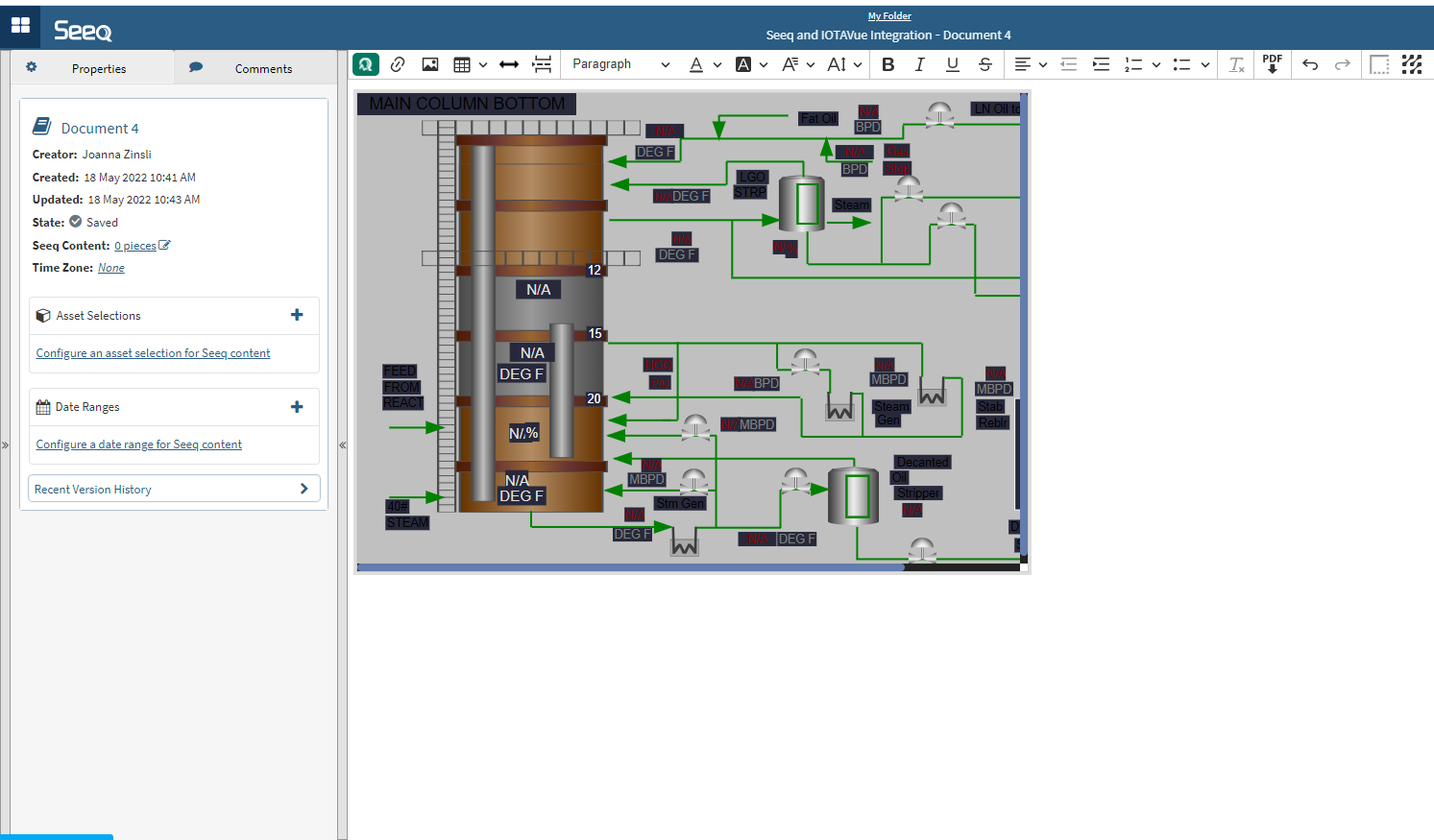
This integration allows for any IOTAVue display to appear in an Organizer Topic.
Each IOTAVue display is linked back to IOTAVue for easy navigation.
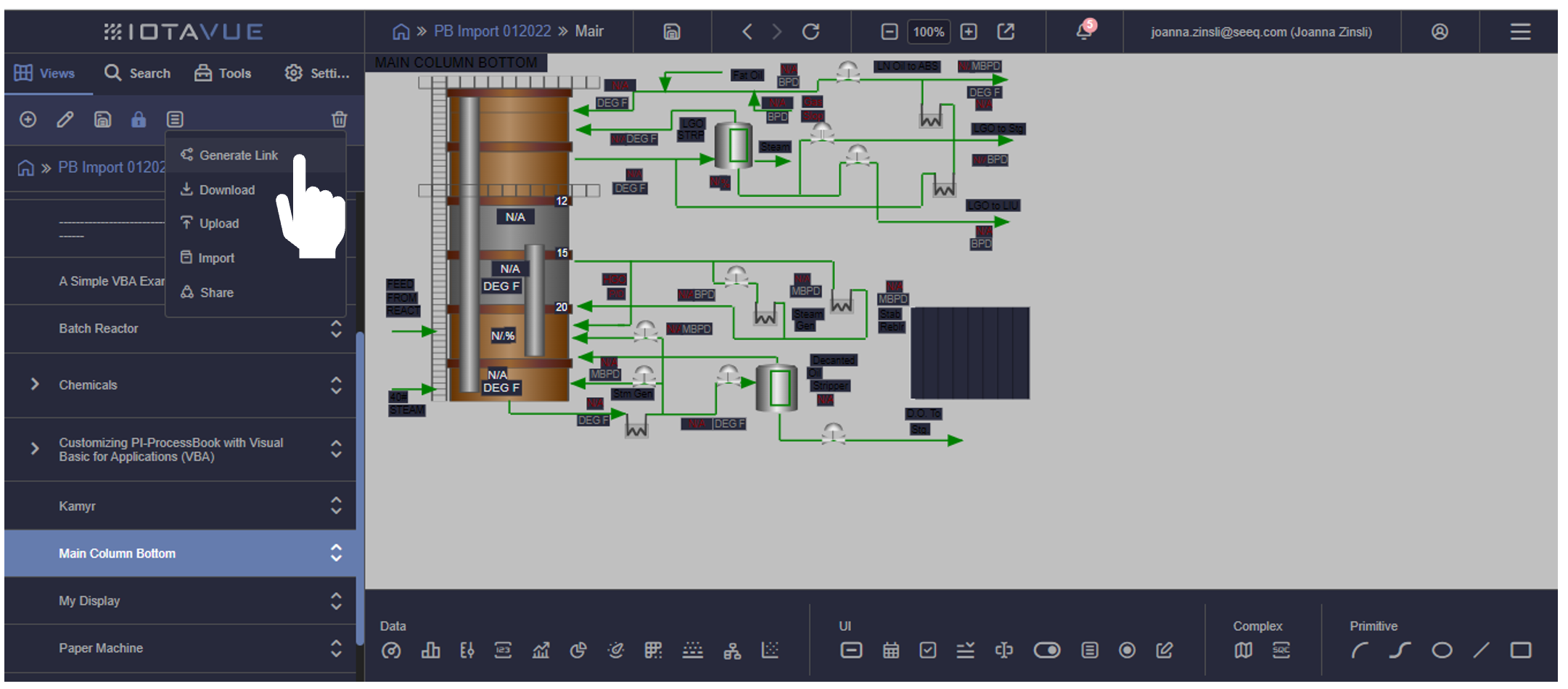
From the Views pane in IOTAVue, navigate to the menu icon and select Generate Link
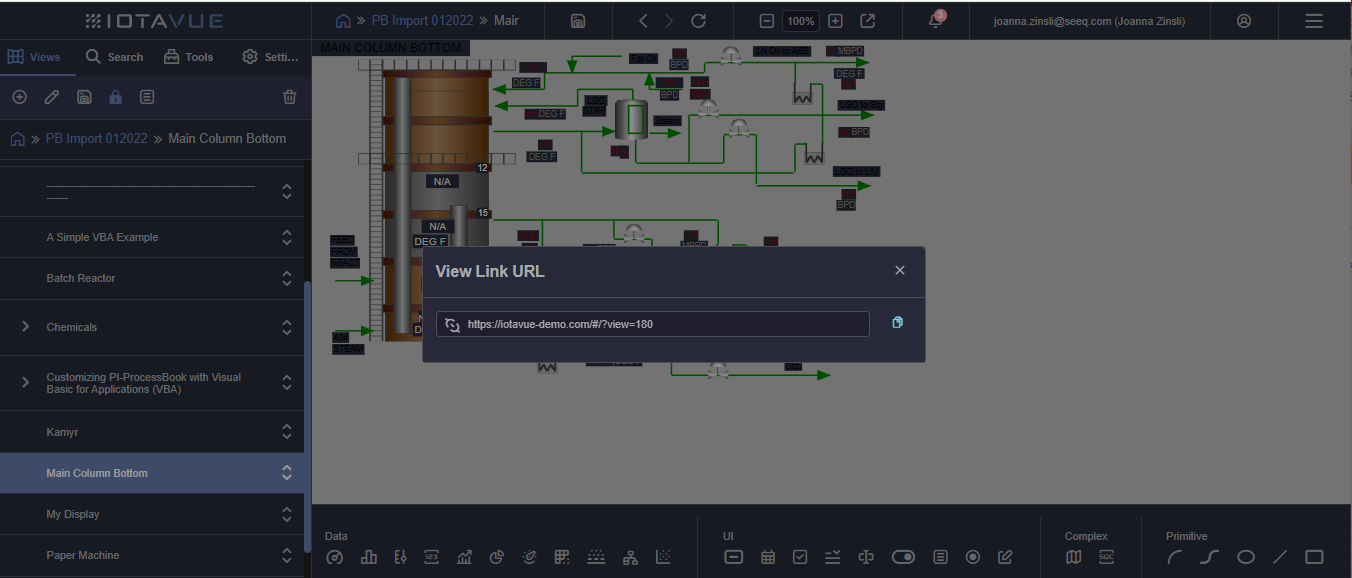
Copy the URL from the pop up.
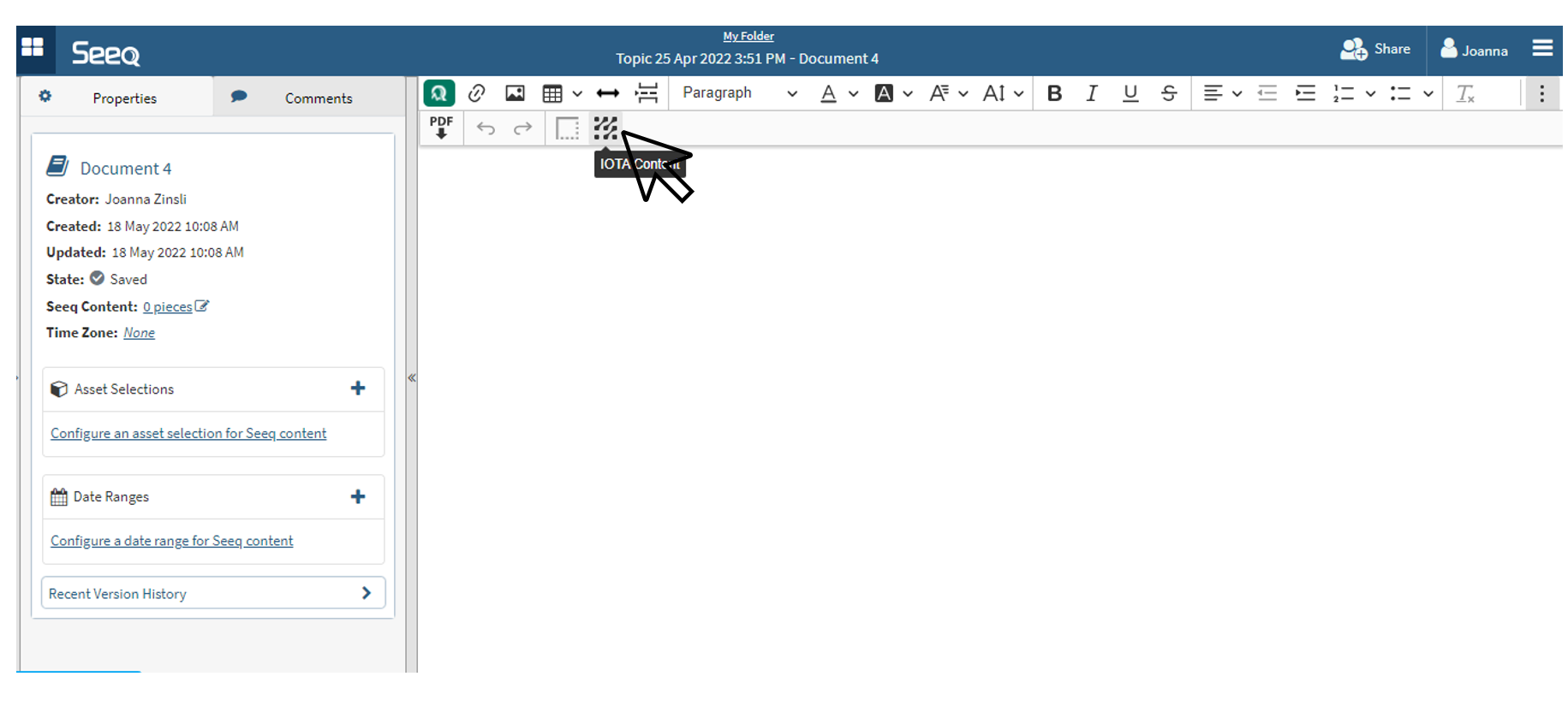
Navigate back to an Organizer Topic in Seeq and find the IOTAVue icon in the Organizer Toolbar. Depending on your screen size and resolution, you may need to expand the toolbar with the three dot button on the far right.
Click the settings icon in the upper right corner of the content that was inserted.
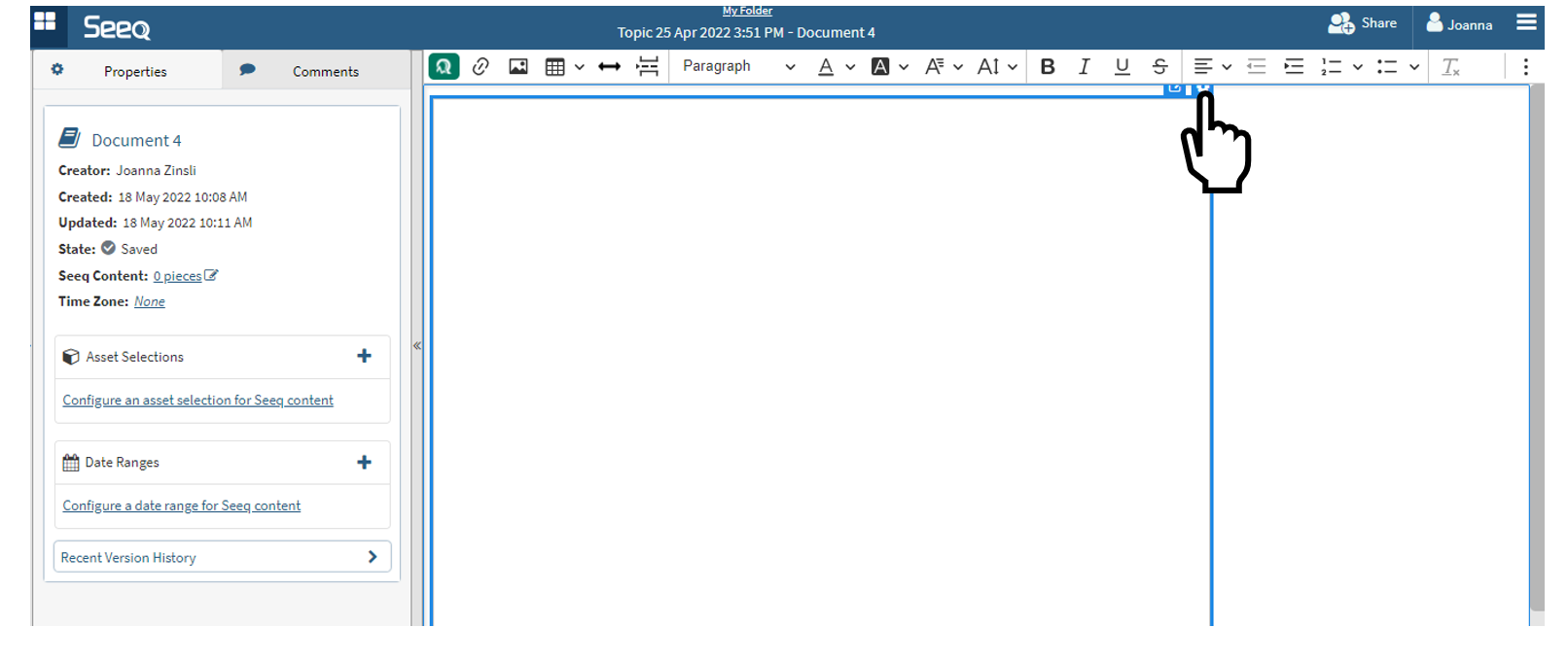
Paste the URL to the IOTAVue view that was previously copied. Adjust the window size as needed. IOTAVue displays do not currently resize to fit a smaller window, so you may need to adjust IOTAVue displays to have all the content viewable in the real estate provided here. These windows are scrollable if the content is larger than the real estate you can make possible.
Edit the URL or size from this settings icon.
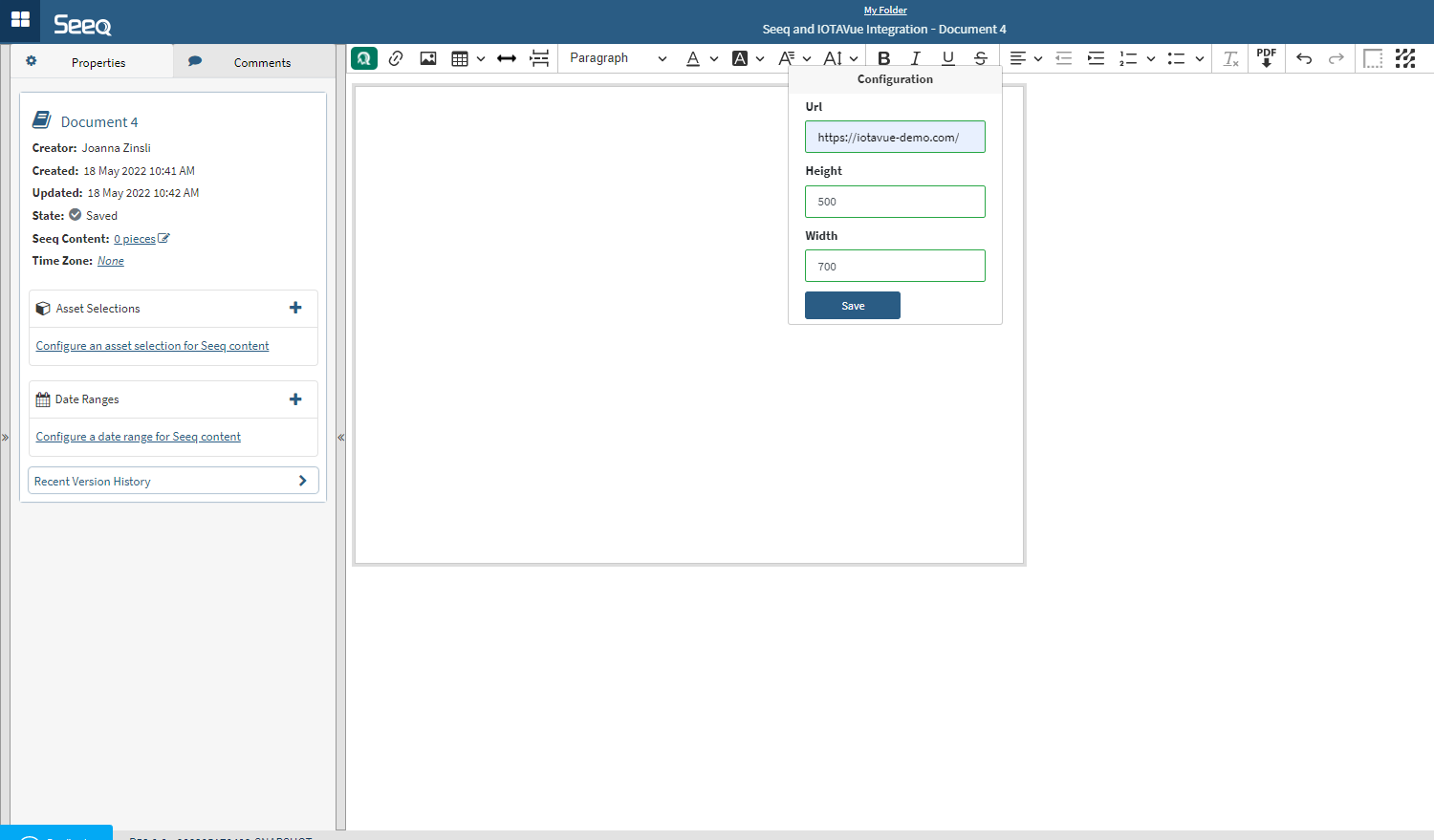
Content will load after clicking on the Save button.
Special considerations
-
Permissions of the view are currently established on the IOTAVue side and are separate from Organizer Topic access control. Anyone you share the Organizer Topic with will also need separate access to the IOTAVue in order for it to display when they view the Organizer Topic.
-
Organizer Asset Selection and Date Ranges cannot yet be applied to an IOTAVue display.
-
IOTAVue displays that are inserted in Organizer do not yet appear in PDFs created in Seeq, but they do display in View and Presentation views of Organizer Topics.
IOTAVue - Workbench Analysis Integration
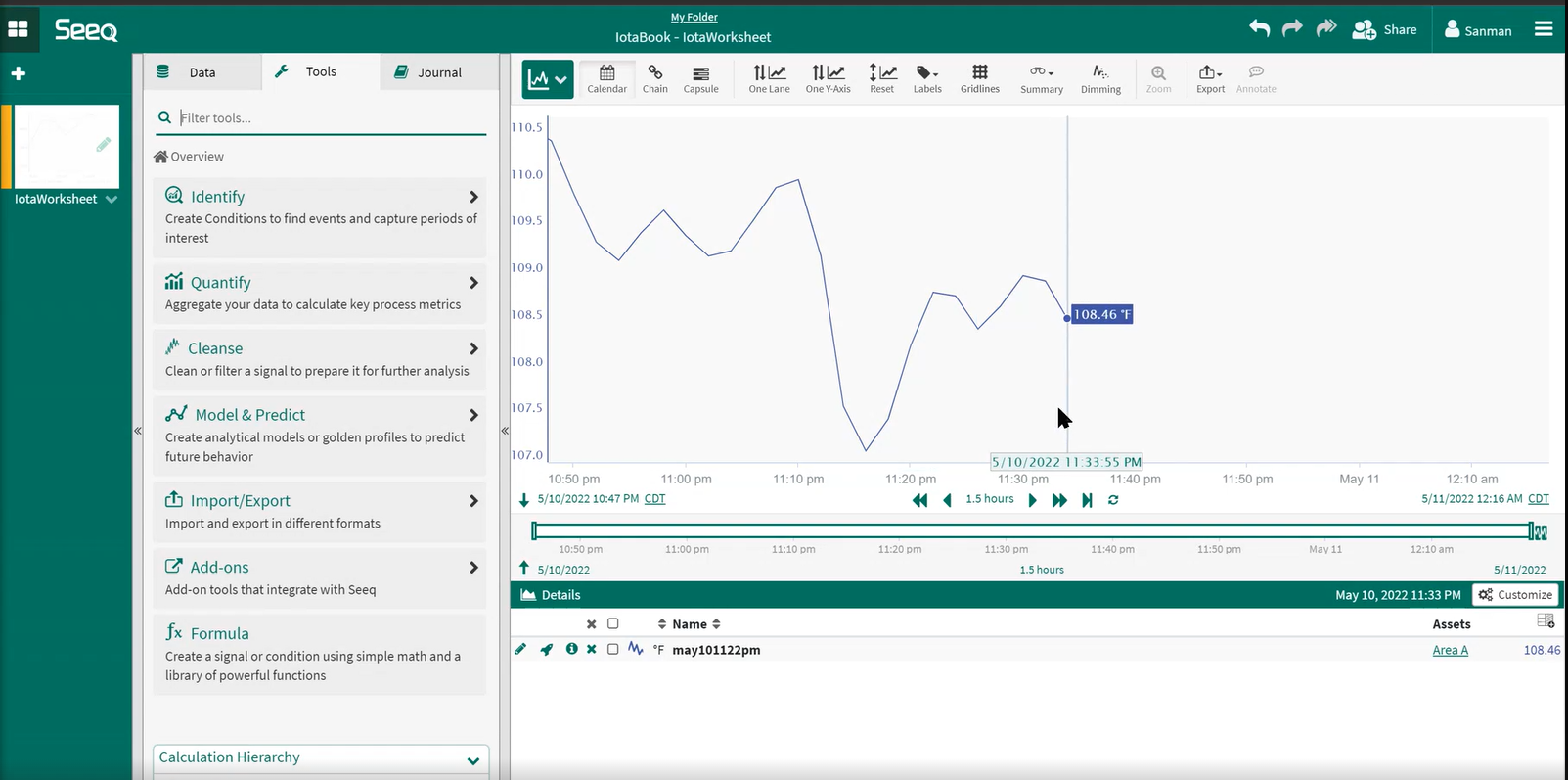
Any tag from Seeq Cortex data source can be opened with Go Seeq button from IOTAVue into workbench to do more ad-hoc calculations.
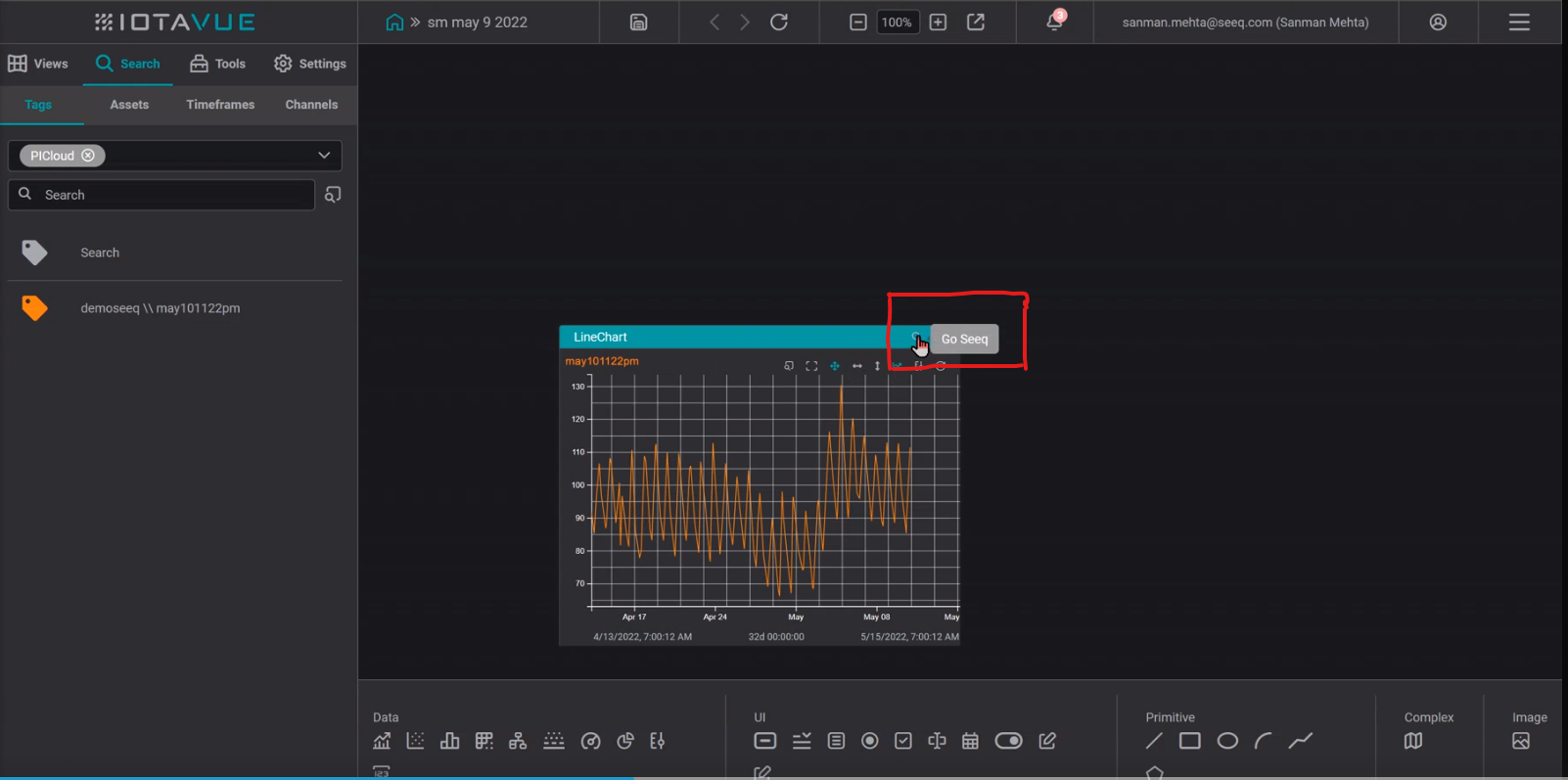
Here is the result of clicking the Go Seeq button in workbench
IOTAVue - How to connect with Seeq Cortex