Basics of Journal
Journal entries are free-form text that accompanies a worksheet. You can document your analysis as you go by explaining key assumptions and saving critical views in the Worksheet Journal. Best practices are to create a single journal entry per Worksheet.
Creating a New Journal Entry
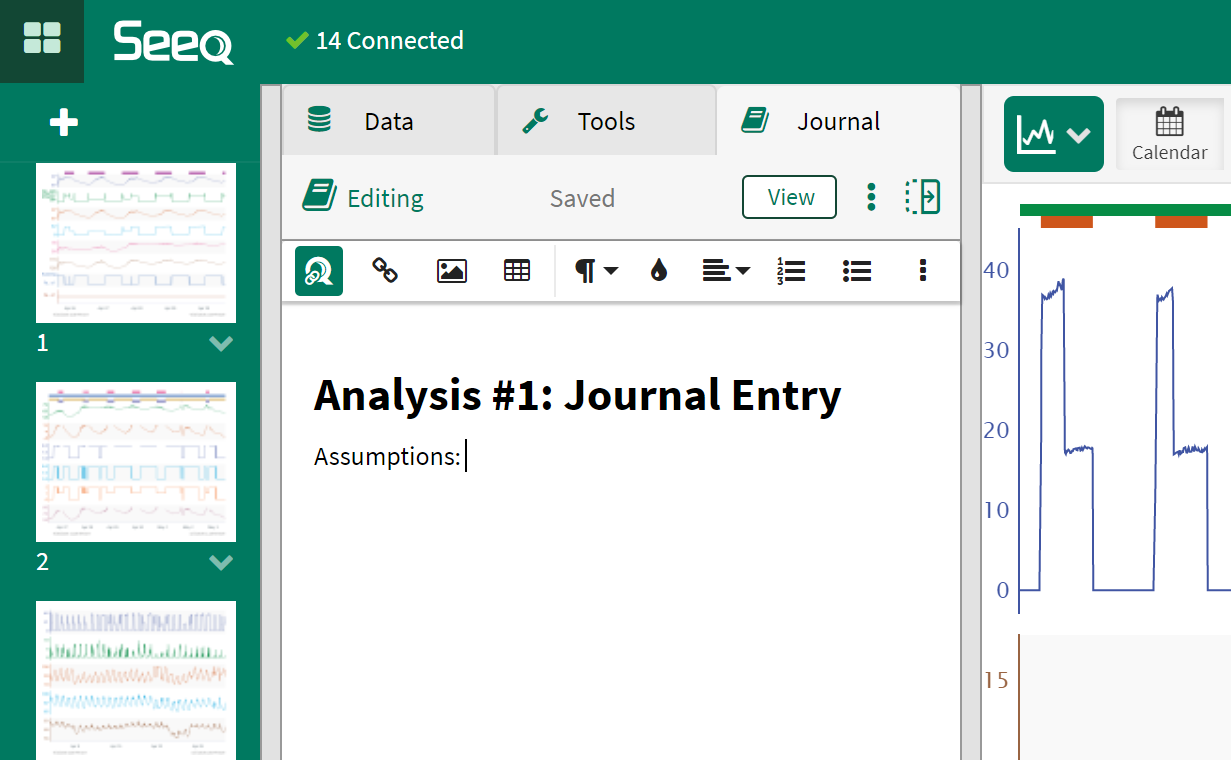
To create a new Journal entry, navigate to the Journal tab in the center panel as shown in the screenshot to the right.
Note: Journal has both a "view" and "edit" mode in the top right of the center panel. Ensure "edit" mode is selected.
Creating a New Journal Entry
Configuring a Template Journal Format
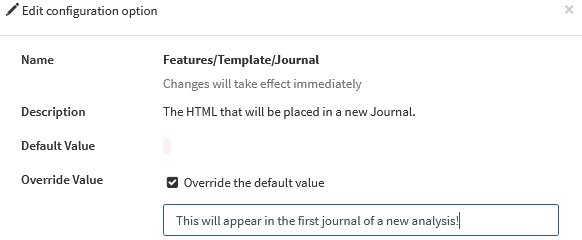
Admins may configure a default template for the first journal in each workbench analysis.
Configuring a Template