Overview
The four extension mechanisms are Add-on Tools, Frontend Plugins, Data Lab Functions, and Formula packages.
Add-on Tools
Element Type: AddOnTool
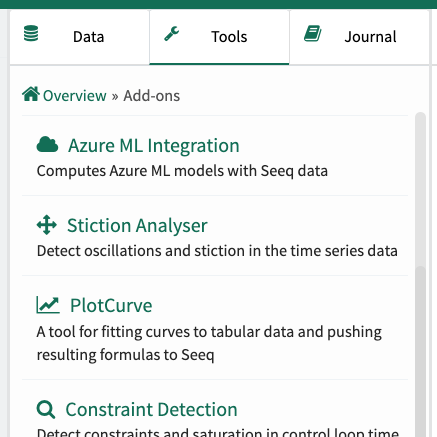
Add-on Tools allow functionality developed in Data Lab to be made available in Seeq on the Analysis Tools Panel. They provide a user interface and are typically developed in Python. When a Seeq user clicks the tool, a new window or tab opens to display the user interface. Add-on Tools are a quick way to provide a no-code experience allowing other Seeq users to take advantage of custom solutions that have been developed in Data Lab.
Frontend Plugins
Element Type: Plugin
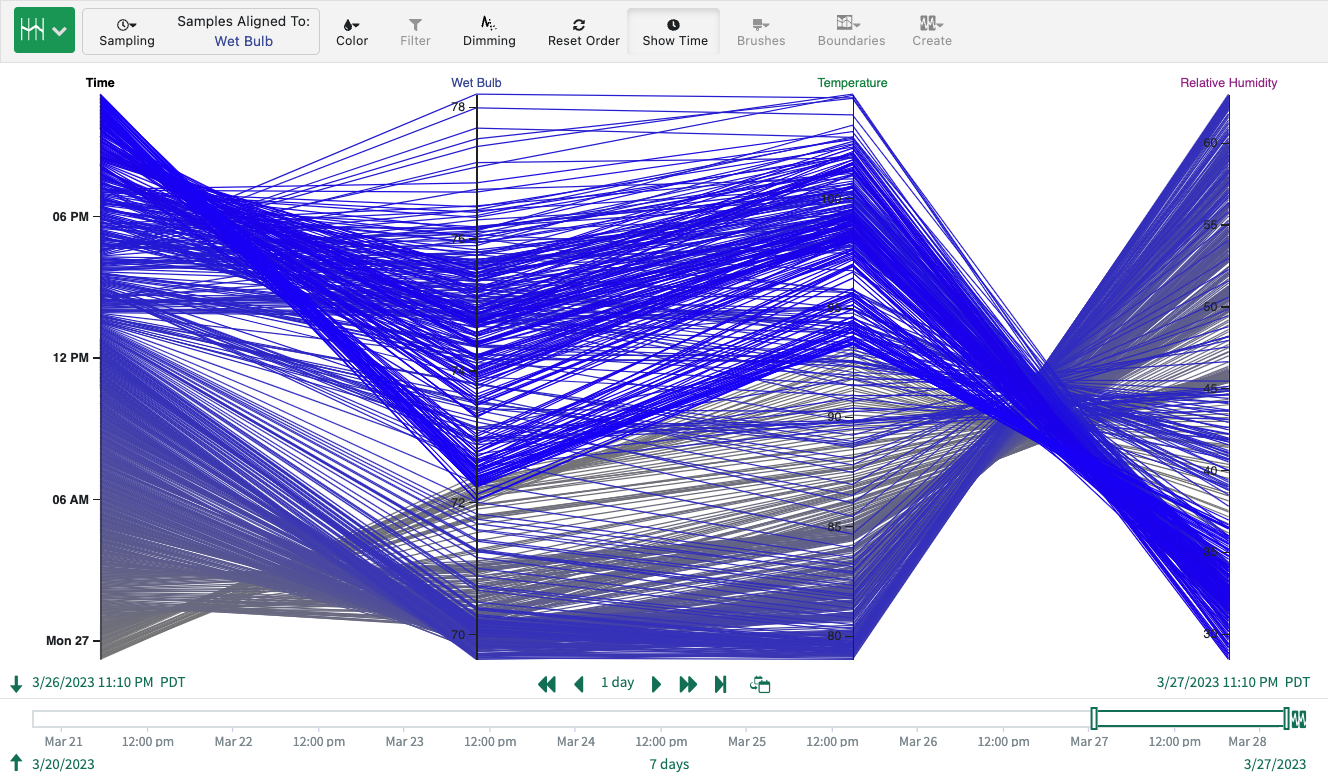
Frontend plugins allow rich and highly integrated custom user interfaces to be added to Seeq. They are developed using standard web development tools/techniques (HTML, CSS, and JavaScript). They can be added to an Analysis Display Pane, Analysis Tool Panel, or the Seeq Home Screen. Frontend plugins use the Plugin API to interact directly with the Seeq client application or to call into a custom API supplied by Data Lab Functions.
Data Lab Functions
Element Type: DataLabFunctions
Data Lab Functions is a Jupyter Notebook that provides a REST API. The API is callable by authenticated and authorized Seeq users. It is typically developed in Python. Adding an endpoint is as easy as adding # GET /my-endpoint to the top of a Jupyter Notebook cell. Quick loading and advanced applications can be developed by using Data Lab Functions for the backend and Frontend Plugins for the user interface. The Add-on Manager itself is implemented as a Home Screen Plugin frontend with a Data Lab Functions backend.
Formula Package
Element Type: FormulaPackage
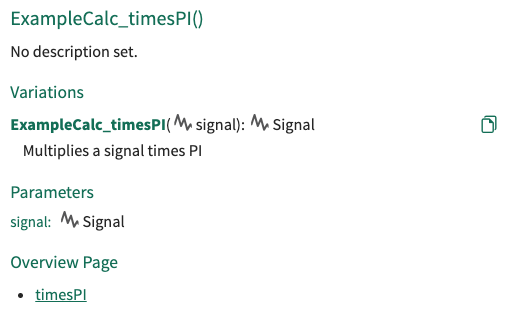
Formula Packages allow custom functions to be added to Seeq Formula. Complex or highly specialized algorithms can be named and used in Formula just like any other Seeq-provided formula function. Formula packages are useful on their own, but they also can be used a part of a larger solution that includes other extension mechanisms.