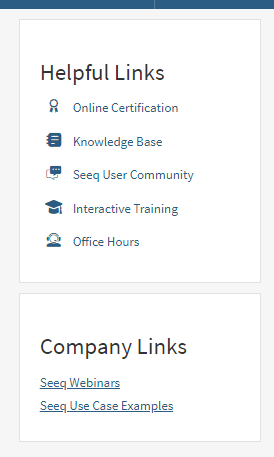
Admins can add additional links to the home screen to easily link Seeq to other corporate sites. These links will be displayed below the standard Helpful Links section.
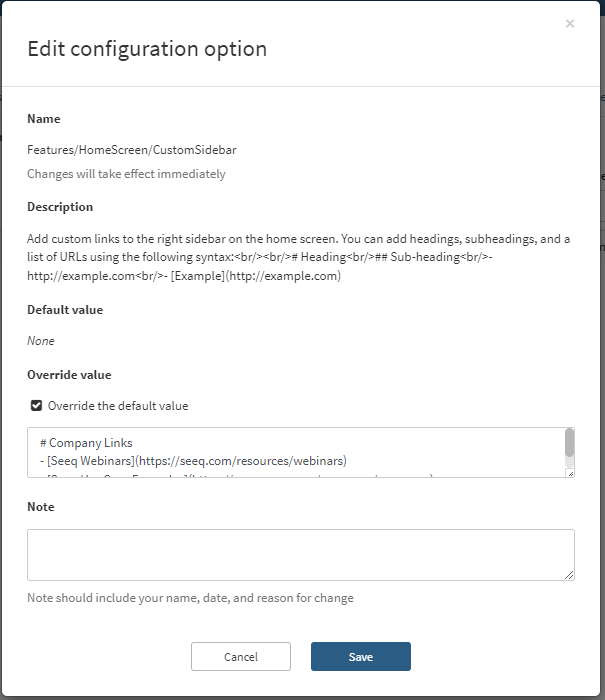
To add additional links Admin can turn on and edit the feature in the Configuration tab of the Administration section of Seeq. The feature name is Features/Homescreen/CustomSidebar.

Click Override Default Value and enter your new links using simplified markdown text.
Example Setup:
# Company Links
## My Subheading
- [Seeq Webinars](https://seeq.com/resources/webinars)
- [Seeq Use Case Examples](https://www.seeq.com/resources/use-cases)