
Create Seeq Content
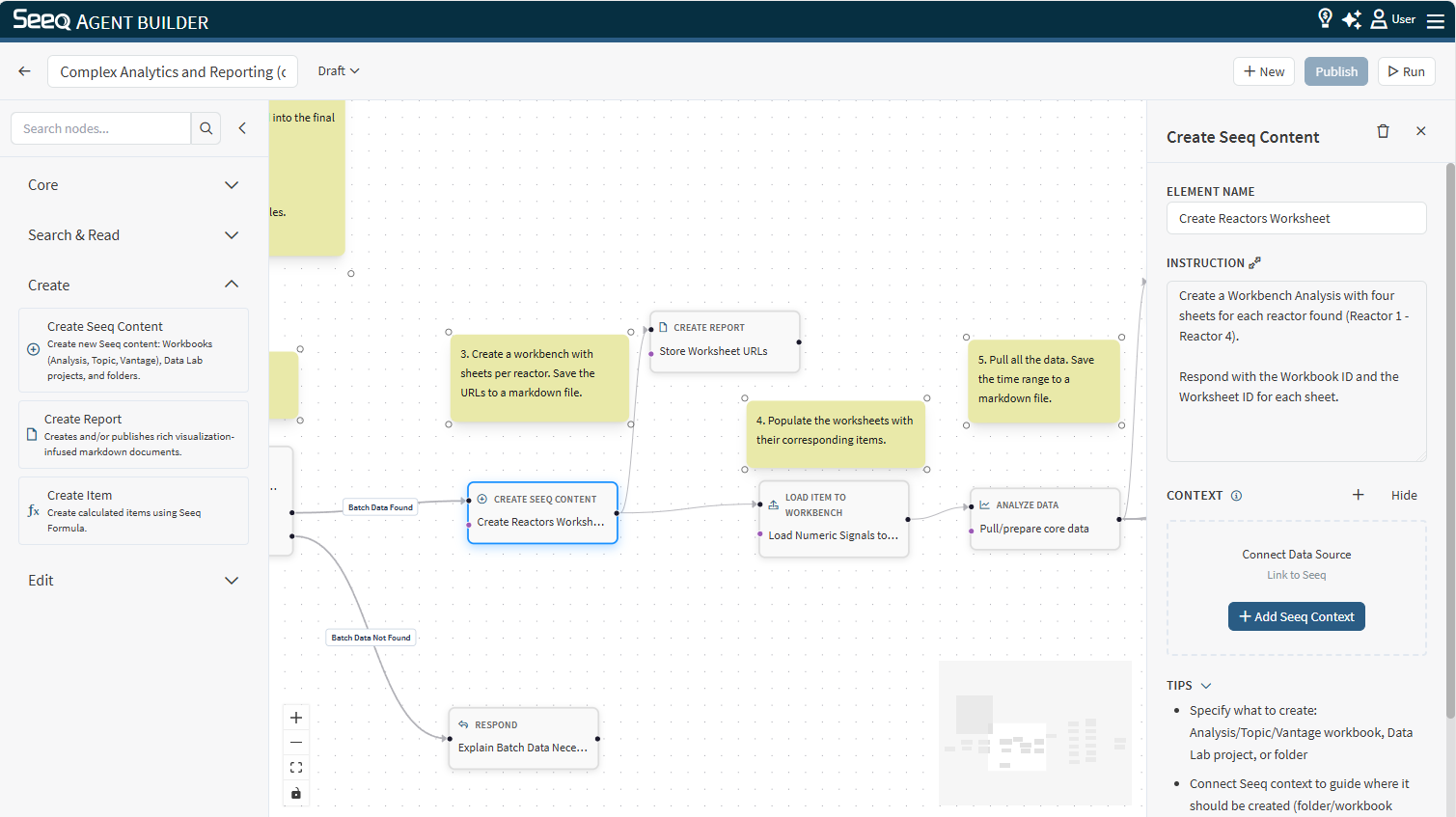
Use Create Seeq Content to create a new Workbench Analysis, Organizer Topic, Data Lab Project, Vantage Room or Folder as part of a custom agent.
When to use
You want the workflow to create a new analysis workspace to hold results.
You want a clean workbook to load items into and build calculations.
Configuration
Instruction: Describe what the new type of Seeq Content should be for (name, purpose, and any initial setup you want).
Context behavior
This node can optionally use Seeq context connections in the editor if you want to create a new worksheet inside a pre-existing Workbench or a new Document in an existing Organizer, for example.
Output
The output typically includes a link to the created content.
Example instructions
“Create a new Workbench analysis called ‘Unit 3 – Weekly Reliability Review’.”
“Create a new analysis for investigating compressor trips and include a short description.”