User-defined Context
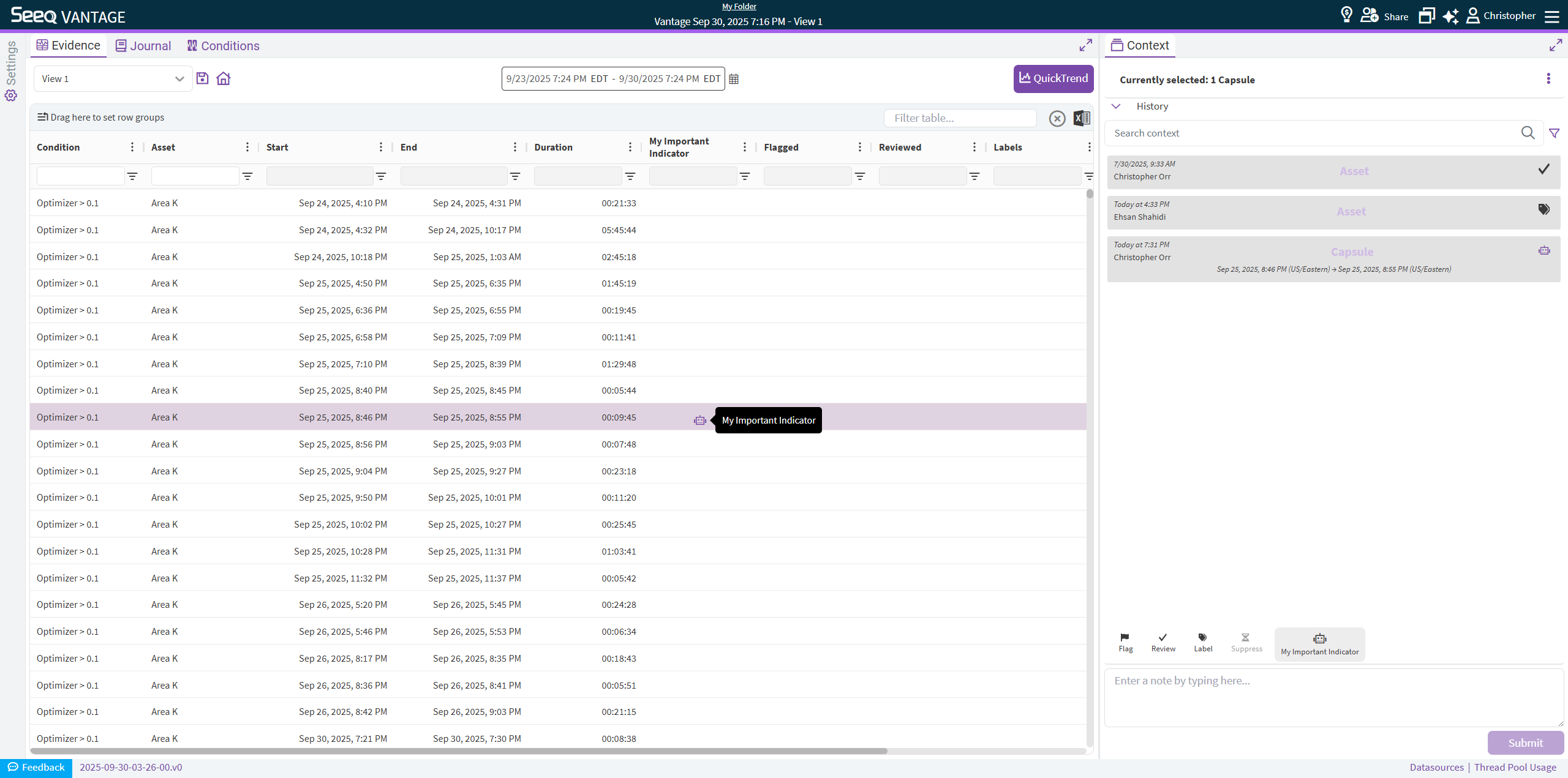
User-defined Context allows you to build a monitoring workflow fit-for-purpose for your team or organization.
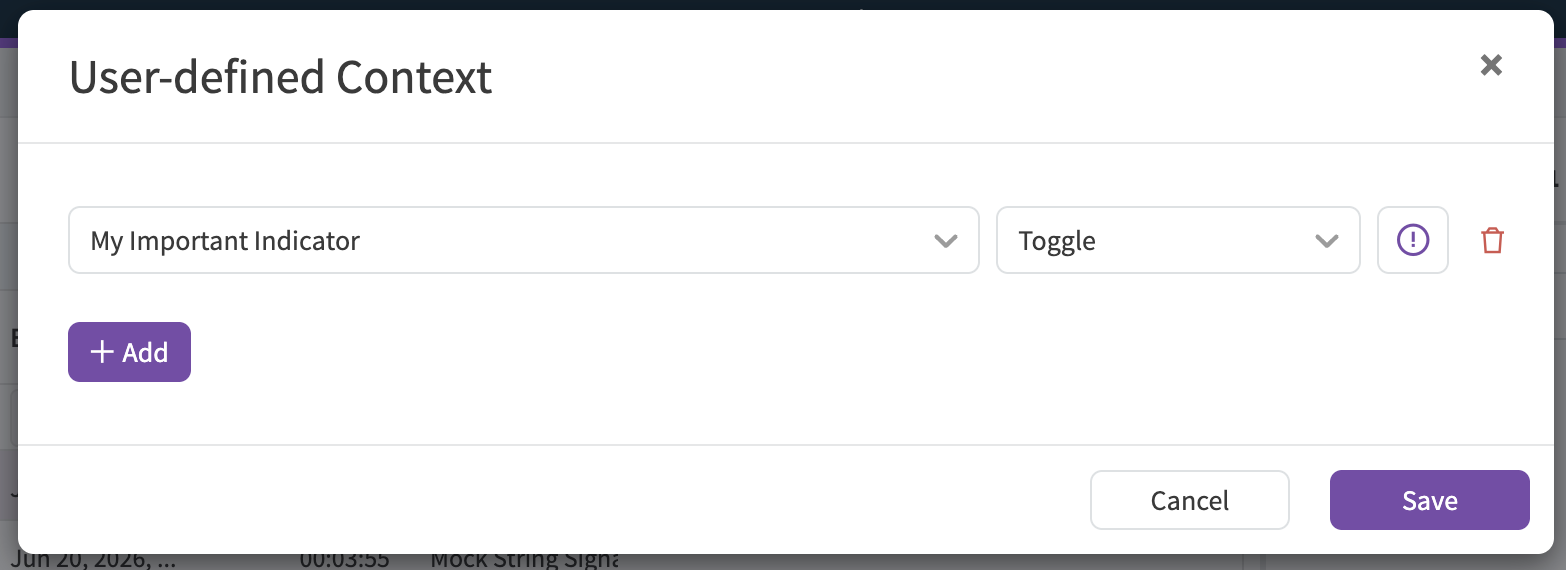
Required fields include:
Name: which will appear in the Context Pane as well as the Column Header in your event table.
Type: allows you to choose the type of data to be entered
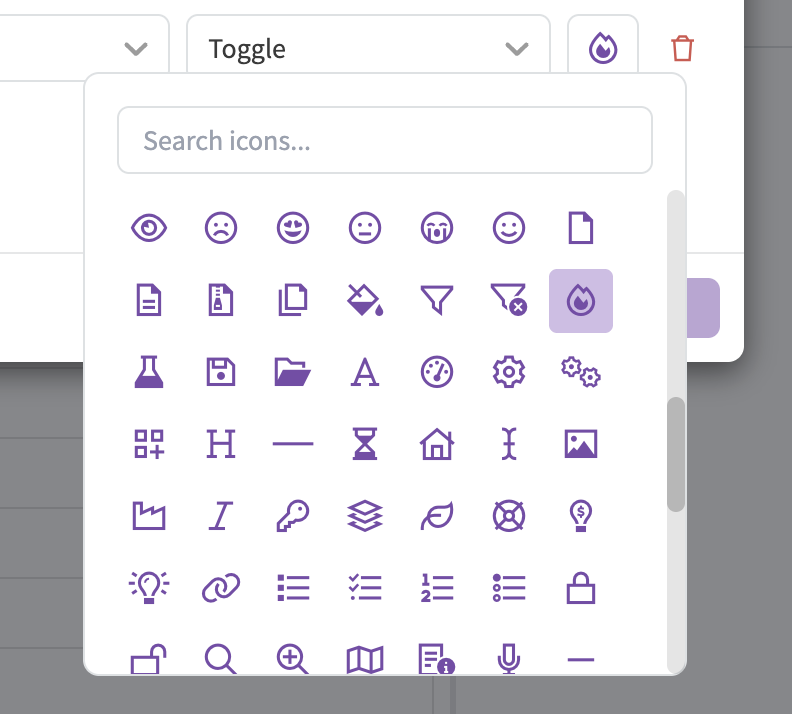
Icon: to be used as visual indicator in the Context Pane, as well as in the event table (for Toggle Types)
Type
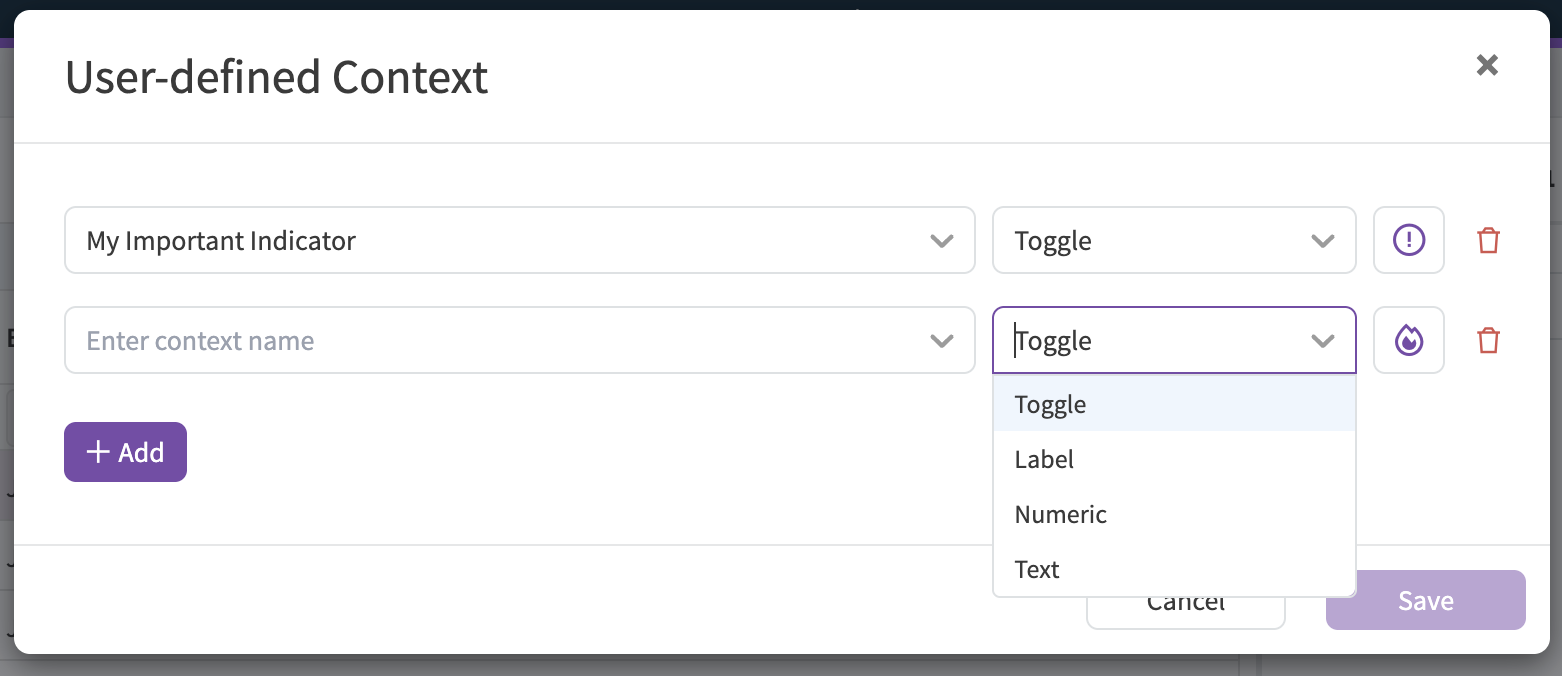
The Type allows you control which options will be available to you and your team. Currently supported Types include:
Toggle: a Boolean type that be on or off, similar to Flag and Review.
Label: a pre-defined list of options that can be adjusted to provide a pick-list of text options.
Numeric: a number input, that allows for constraints (upper/lower bounds) as well as precision and units of measure.
Text: a text input that captures free-form text.
Icon
The icon picker allows you to select the visual indicator for this context type.
When you are complete, and save your Settings, a new icon should appear in the Context Pane to begin using. Like the rest of the out-of-the-box Context Options, you and your team can submit context that will appear in the History, as well as the event table: